Type text, add images, blackout confidential details, add comments, highlights and more.
02. Sign it in a few clicks
Draw your signature, type it, upload its image, or use your mobile device as a signature pad.
03. Share your form with others
Send it via email, link, or fax. You can also download it, export it or print it out.
How to use or fill out utah assets with our platform
Ease of Setup
DocHub User Ratings on G2
Ease of Use
DocHub User Ratings on G2
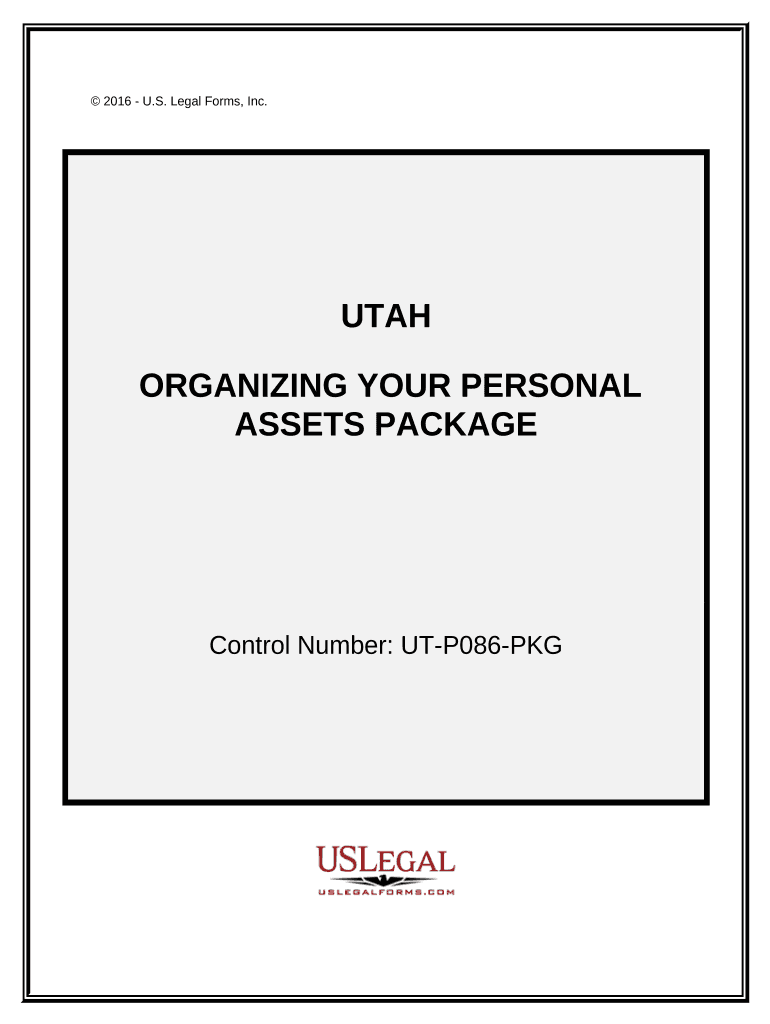
Click ‘Get Form’ to open the Utah Assets Package in the editor.
Begin with the Personal Monthly Budget Worksheet. Enter your income and expenses into the designated fields. The editor will automatically calculate your totals, helping you visualize your financial situation.
Next, move to the Personal Property Inventory form. Use this section to list all personal property owned. This is crucial for insurance and estate planning purposes.
Fill out the Personal Planning Information and Document Inventory Worksheets. Document important details such as legal document locations, contact information for relatives, and medical information.
Complete the Cash Flow Statement by entering your typical household income and expenses. This will assist in budgeting effectively.
For retirement planning, utilize the Retirement Cash Flow form to assess available funds based on your retirement income and expenses.
Lastly, if needed, draft a Sample Letter for Request for Credit Report using our platform's text editing features.
Start organizing your personal assets today for free with our user-friendly editor!
Assets Description This application is used to find assets using various search criteria. Navigation to Assets Log in to CIS Financial Business Services
Cookie consent notice
This site uses cookies to enhance site navigation and personalize your experience.
By using this site you agree to our use of cookies as described in our Privacy Notice.
You can modify your selections by visiting our Cookie and Advertising Notice.