




01. Edit your form online
Type text, add images, blackout confidential details, add comments, highlights and more.

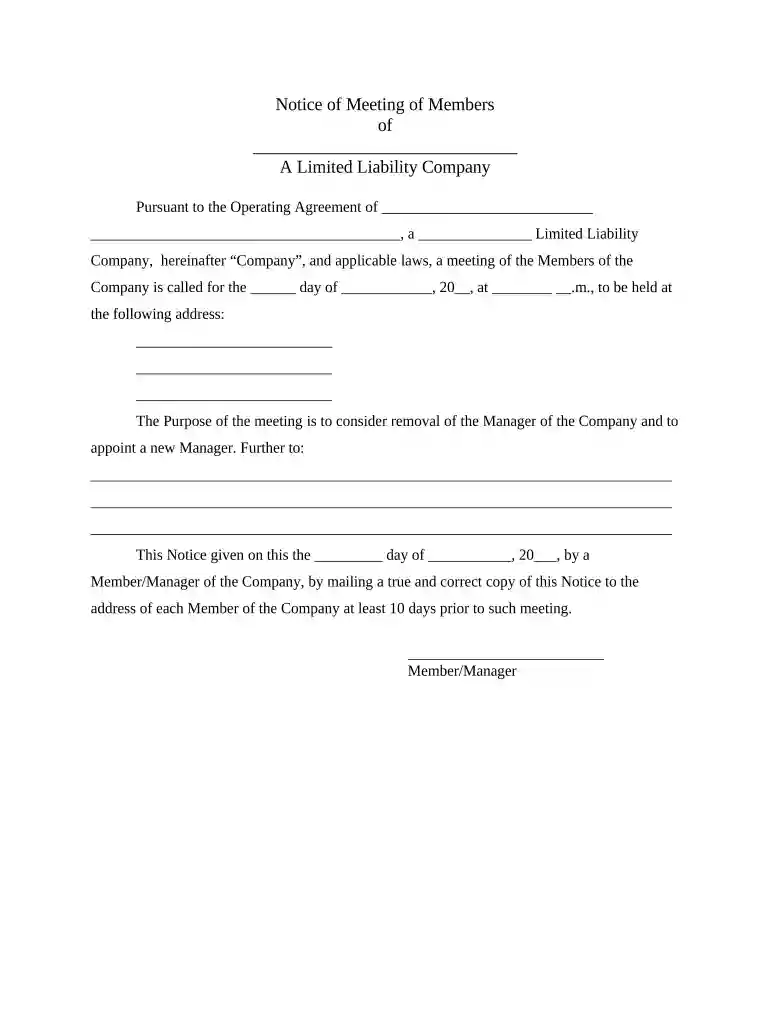
Type text, add images, blackout confidential details, add comments, highlights and more.

Draw your signature, type it, upload its image, or use your mobile device as a signature pad.

Send it via email, link, or fax. You can also download it, export it or print it out.

Start using our platform today to streamline your document editing and ensure your LLC meetings are organized efficiently!
At DocHub, your data security is our priority. We follow HIPAA, SOC2, GDPR, and other standards, so you can work on your documents with confidence.



Apr 13, 2026 A Limited Liability Company (LLC) is a business structure allowed by state statute. Each state may use different regulations, you should check with your state.Read more
Limited Liability Company (LLC) is a non-incorporated business organization that retains elements of both partnerships and corporations.Read more


