




01. Edit your form online
Type text, add images, blackout confidential details, add comments, highlights and more.

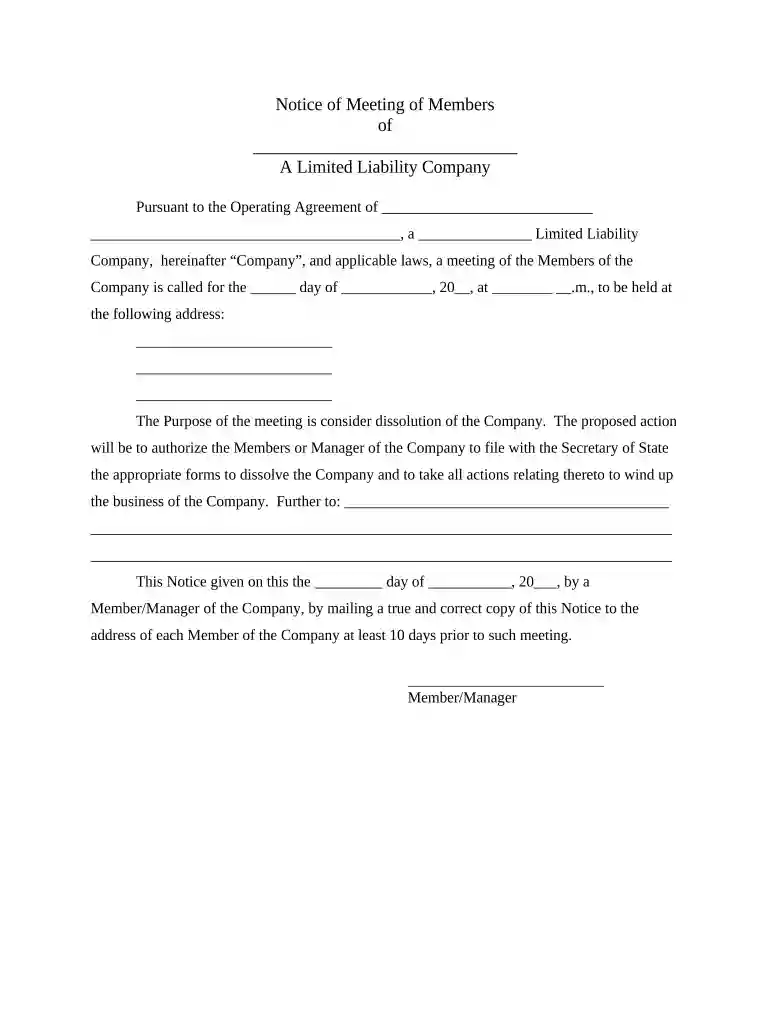
Type text, add images, blackout confidential details, add comments, highlights and more.

Draw your signature, type it, upload its image, or use your mobile device as a signature pad.

Send it via email, link, or fax. You can also download it, export it or print it out.

Start using our platform today for free to streamline your document editing and ensure a smooth meeting process!
At DocHub, your data security is our priority. We follow HIPAA, SOC2, GDPR, and other standards, so you can work on your documents with confidence.




Mar 25, 2012 A determination of members of record entitled to notice of or to vote at a meeting of members shall apply to any adjournment of the meeting;Read more
Written notice stating the place, day and hour of the meeting and, in case of a special meeting, the purpose or purposes for which the meeting is called,Read more
A member waives notice of any meeting by attending the meeting, and may otherwise waive notice of any meeting at any time. No noticewhether oral, written, or eRead more


