Type text, add images, blackout confidential details, add comments, highlights and more.
02. Sign it in a few clicks
Draw your signature, type it, upload its image, or use your mobile device as a signature pad.
03. Share your form with others
Send it via email, link, or fax. You can also download it, export it or print it out.
How to use or fill out services contract company with our platform
Ease of Setup
DocHub User Ratings on G2
Ease of Use
DocHub User Ratings on G2
Click ‘Get Form’ to open the services contract in the editor.
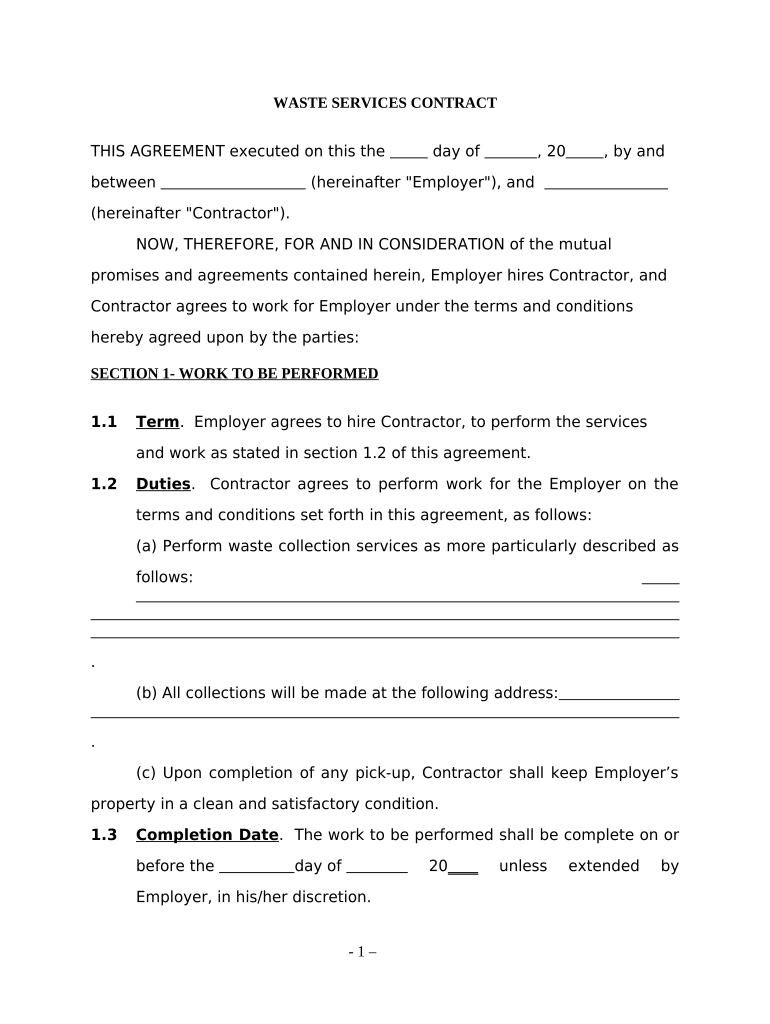
Begin by filling in the date and names of both the Employer and Contractor at the top of the document. This establishes the parties involved in the agreement.
In Section 1, outline the work to be performed. Specify the duties of the Contractor, including details about waste collection services and addresses for pick-up.
Set a completion date for the work in Section 1.3, ensuring clarity on deadlines.
In Section 2, detail compensation terms. Indicate how much will be paid and specify payment frequency (daily, weekly, monthly).
Review Sections 3 to 5 for independent contractor status and miscellaneous provisions. Ensure all necessary clauses are filled out accurately.
Finally, sign and date at the bottom of the document to finalize your agreement.
Start using our platform today to streamline your contract management process for free!
Fill out services contract company online It's free
Contracting Authority. Procurement Contract Services is the designated office authorized to review, approve, and execute agreements that bind the University.Read more
Contract opportunities are procurement notices from federal contracting offices. Anyone interested in doing business with the government can use this systemRead more
Your continued use of the Services after the Subscription fee change comes into effect constitutes your agreement to pay the modified Subscription fee amount.Read more
Cookie consent notice
This site uses cookies to enhance site navigation and personalize your experience.
By using this site you agree to our use of cookies as described in our Privacy Notice.
You can modify your selections by visiting our Cookie and Advertising Notice.