




01. Edit your form online
Type text, add images, blackout confidential details, add comments, highlights and more.

Type text, add images, blackout confidential details, add comments, highlights and more.

Draw your signature, type it, upload its image, or use your mobile device as a signature pad.

Send it via email, link, or fax. You can also download it, export it or print it out.

Start using our platform today to streamline your document editing and form completion for free!
At DocHub, your data security is our priority. We follow HIPAA, SOC2, GDPR, and other standards, so you can work on your documents with confidence.
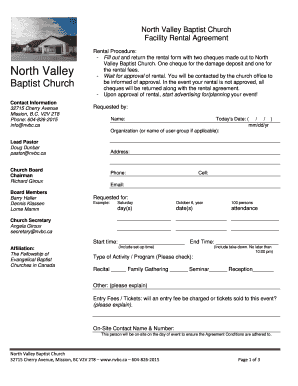

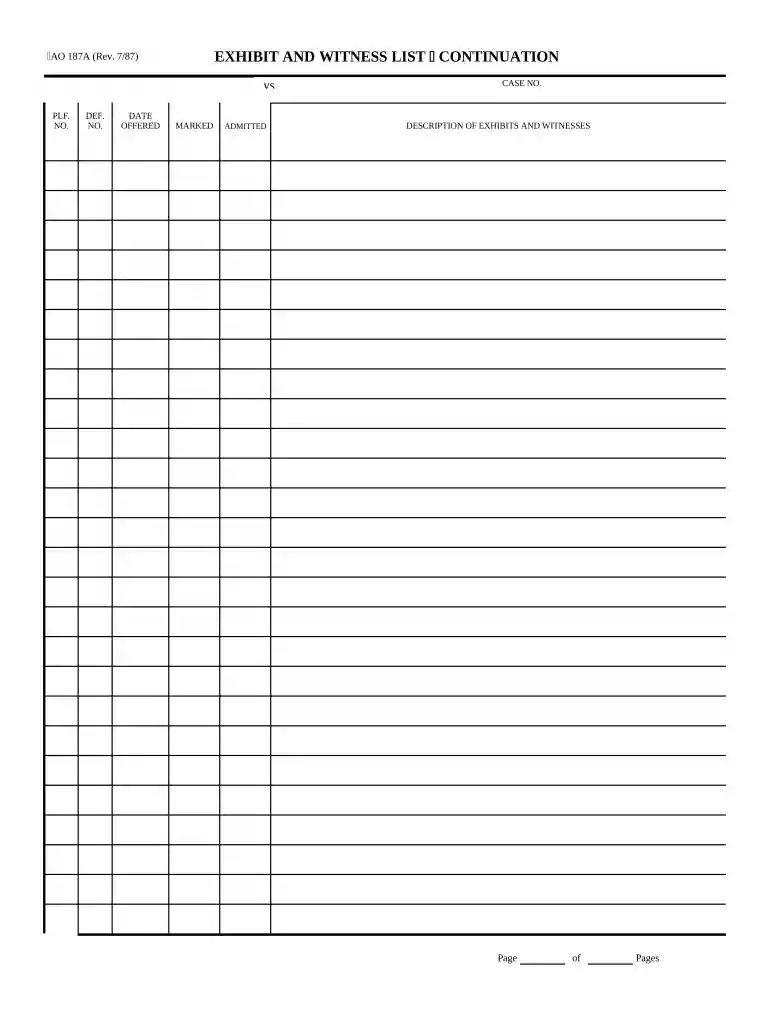
7/87) Exhibit and Witness List. UNITED STATES DISTRICT COURT. DISTRICT OF. EXHIBIT AND WITNESS LIST. V. Case Number: PRESIDING JUDGE. PLAINTIFFS ATTORNEY.Read more
POSIWID is a presentation of photography, video and installation by Odette Engle and Studio OVNI. The show is 21+ and contains very graphic media.Read more
The parties shall exchange witness lists, copies of prior statements of proposed witnesses, and copies of proposed hearing exhibits.Read more


