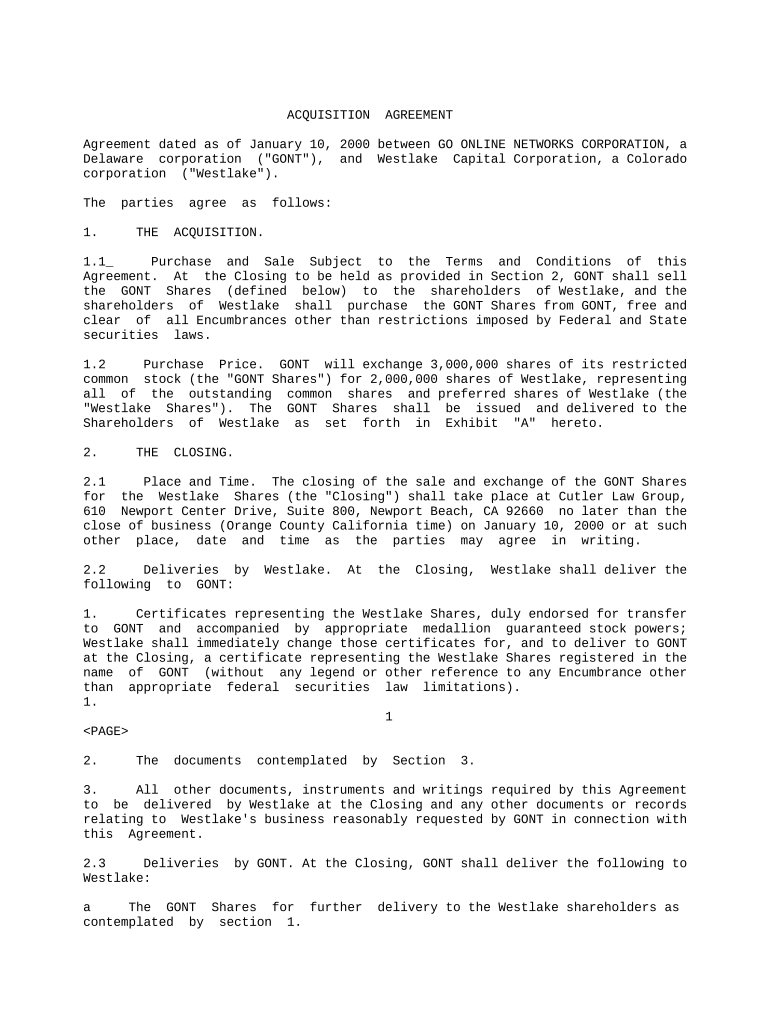
Type text, add images, blackout confidential details, add comments, highlights and more.
02. Sign it in a few clicks
Draw your signature, type it, upload its image, or use your mobile device as a signature pad.
03. Share your form with others
Send it via email, link, or fax. You can also download it, export it or print it out.
How to use or fill out corp application with our platform
Ease of Setup
DocHub User Ratings on G2
Ease of Use
DocHub User Ratings on G2
Click ‘Get Form’ to open the corp application in the editor.
Begin by filling out the company information section. Enter the full legal name of your corporation, its state of incorporation, and any relevant registration numbers.
Proceed to the ownership details. Specify the names and addresses of all shareholders, along with their respective shareholdings.
In the financial information section, provide details about your corporation's capital structure, including authorized shares and any outstanding debts.
Review the compliance section carefully. Ensure that all necessary regulatory approvals are documented and attached as required.
Finally, sign and date the application electronically using our platform’s signature feature for a seamless submission process.
Start filling out your corp application today for free on our platform!
Corp application statusCorp application onlineCorp application formJob Corps student PortalJob Corps student portal sign upJob Corps application onlineMy Job Corps loginJob Corps Locations
Security and compliance
At DocHub, your data security is our priority. We follow HIPAA, SOC2, GDPR, and other standards, so you can work on your documents with confidence.
Cookie consent notice
This site uses cookies to enhance site navigation and personalize your experience.
By using this site you agree to our use of cookies as described in our Privacy Notice.
You can modify your selections by visiting our Cookie and Advertising Notice.