Type text, add images, blackout confidential details, add comments, highlights and more.
02. Sign it in a few clicks
Draw your signature, type it, upload its image, or use your mobile device as a signature pad.
03. Share your form with others
Send it via email, link, or fax. You can also download it, export it or print it out.
How to use or fill out services agreement technology with our platform
Ease of Setup
DocHub User Ratings on G2
Ease of Use
DocHub User Ratings on G2
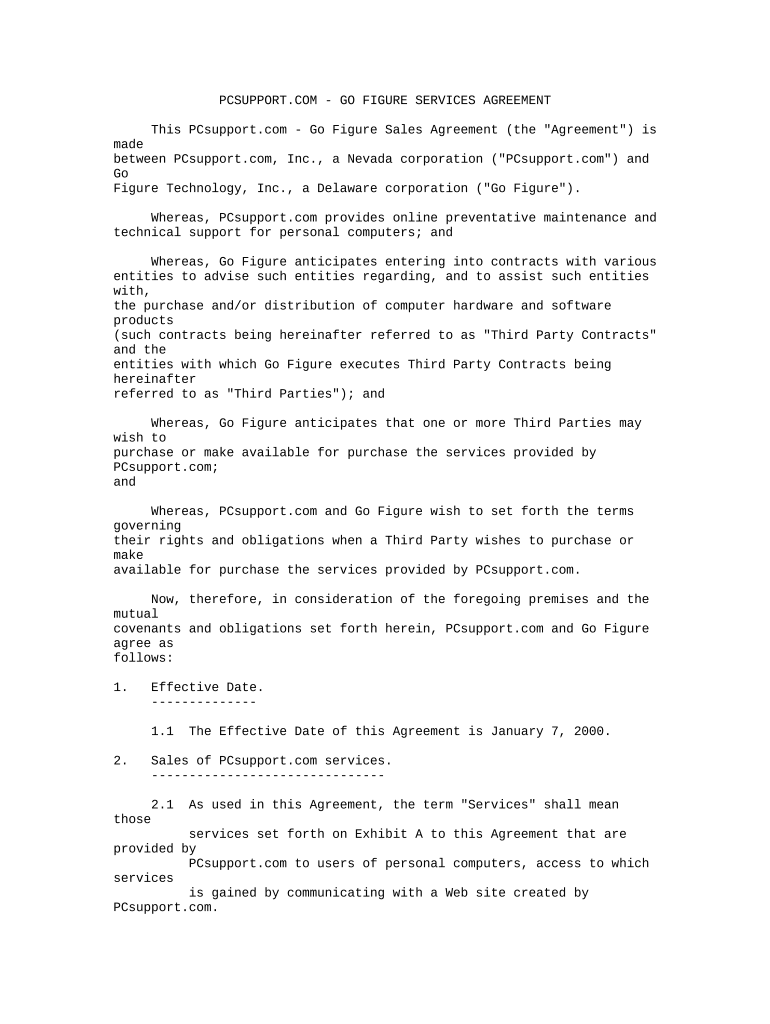
Click ‘Get Form’ to open the services agreement technology in the editor.
Begin by entering the Effective Date of the Agreement in the designated field. This is crucial as it marks the start of your contractual obligations.
In Section 2, specify the Services being provided. Refer to Exhibit A for a detailed list of services and ensure you check all applicable features.
Fill out payment details in Section 3, including Customization Fees and Service Fees. Make sure to adhere to the specified timelines for payments.
Review Sections 5 and 6 regarding Termination and Confidentiality. Ensure that all parties understand their rights and obligations under these sections.
Finally, sign the document electronically using our platform’s signature feature, ensuring both parties have completed this step for validity.
Start using our platform today to streamline your services agreement process for free!
Fill out services agreement technology online It's free
This Bring Your Own Device Agreement is entered into between the User and COMPANY. (COMPANY), effective the date this agreement is executed by COMPANYsRead more
Information Technology Professional Services Agreement
General Purpose. The general purpose of this Agreement is to engage the services of Consultant to perform the services and provide the deliverablesRead more
Cookie consent notice
This site uses cookies to enhance site navigation and personalize your experience.
By using this site you agree to our use of cookies as described in our Privacy Notice.
You can modify your selections by visiting our Cookie and Advertising Notice.