Type text, add images, blackout confidential details, add comments, highlights and more.
02. Sign it in a few clicks
Draw your signature, type it, upload its image, or use your mobile device as a signature pad.
03. Share your form with others
Send it via email, link, or fax. You can also download it, export it or print it out.
How to use or fill out Shareholders Agreement with DocHub
Ease of Setup
DocHub User Ratings on G2
Ease of Use
DocHub User Ratings on G2
Click ‘Get Form’ to open the Shareholders Agreement in our platform's editor.
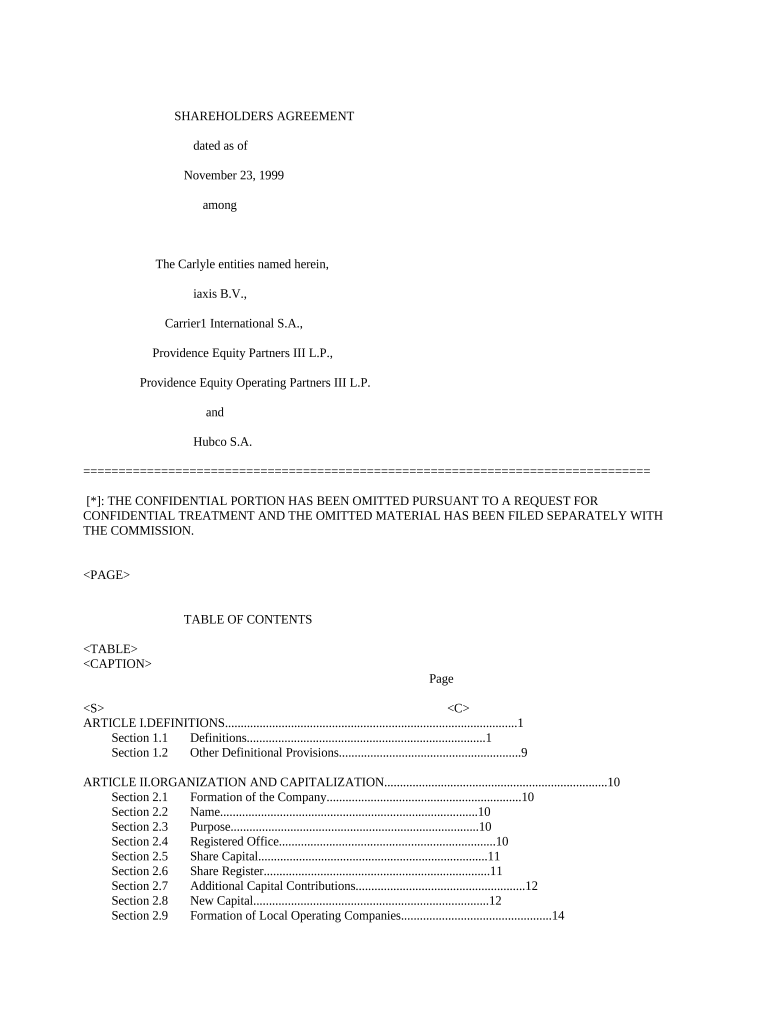
Begin by filling out the 'Definitions' section. This includes key terms that will be referenced throughout the agreement, ensuring clarity and mutual understanding among shareholders.
Proceed to the 'Organization and Capitalization' section. Here, you will need to input details about the formation of the company, including its name, purpose, and share capital structure.
In the 'Management and Administration' section, specify how the company will be managed. Fill in details regarding the Board of Directors and their voting requirements.
Complete the 'Transfer and Assignment' section. This is crucial for outlining how shares can be transferred between shareholders, including any rights of first refusal or tag-along rights.
Review all sections for accuracy. Utilize our platform’s features to highlight any areas needing attention or clarification before finalizing your document.
Start editing your Shareholders Agreement today for free on our platform!
shareholders agreement | Legal Information Institute
A shareholders agreement is a contract that regulates the relationship between the shareholders and the corporation. The agreement will detail how theRead more
Jan 5, 2026 The third option is to agree with the shareholders proposal. If shareholders and the company agree on a proposal, or if the company itselfRead more
Cookie consent notice
This site uses cookies to enhance site navigation and personalize your experience.
By using this site you agree to our use of cookies as described in our Privacy Notice.
You can modify your selections by visiting our Cookie and Advertising Notice.