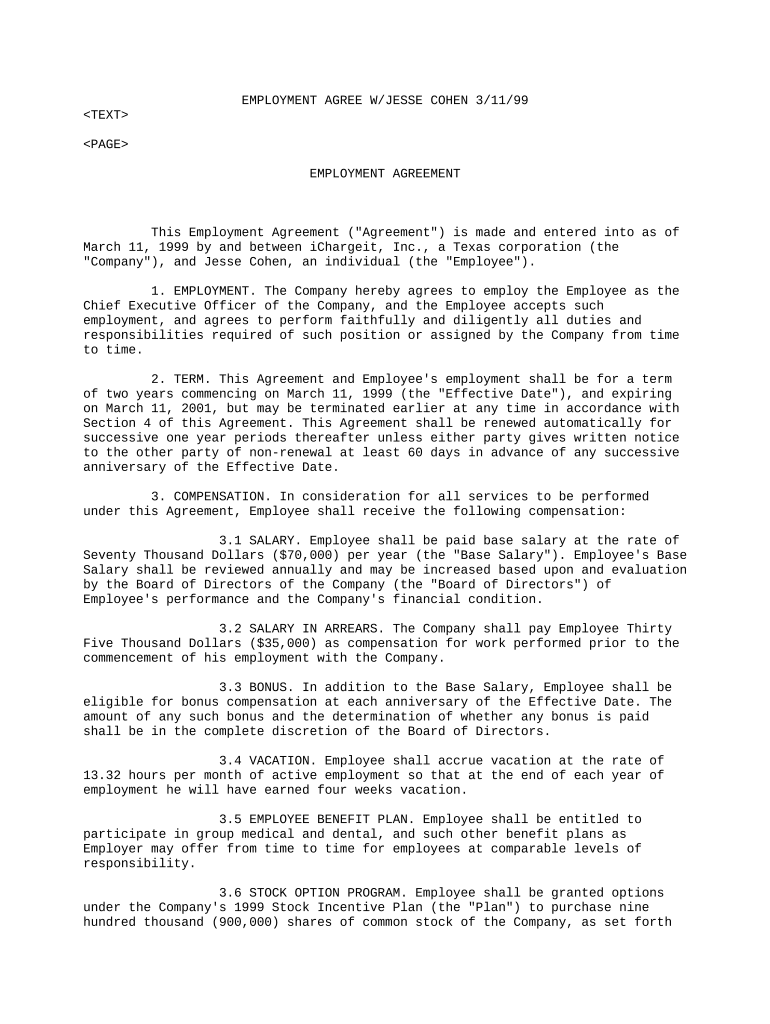
Contract of employment agreement 2026

Get Form
employment agreement format Preview on Page 1

Here's how it works

01. Edit your employment agreement format online
Type text, add images, blackout confidential details, add comments, highlights and more.
02. Sign it in a few clicks
Draw your signature, type it, upload its image, or use your mobile device as a signature pad.
03. Share your form with others
Send 1 year employment contract via email, link, or fax. You can also download it, export it or print it out.

How to use or fill out contract of employment agreement with our platform

Form edit decoration
9.5
Ease of Setup
DocHub User Ratings on G2
9.0
Ease of Use
DocHub User Ratings on G2
  1. Click ‘Get Form’ to open the contract of employment agreement in the editor.
  2. Begin by filling in the date at the top of the document, ensuring it reflects the effective date of the agreement.
  3. In Section 1, EMPLOYMENT, confirm your position title and responsibilities as outlined. Make any necessary adjustments to reflect your specific role.
  4. For Section 2, TERM, verify the start and end dates. If applicable, note any conditions for renewal or termination.
  5. In Section 3, COMPENSATION, enter your base salary and any additional compensation details such as bonuses or stock options. Ensure accuracy for future reference.
  6. Review Section 4 on TERMINATION carefully. Understand your rights and obligations regarding termination conditions.
  7. Complete Sections 5 through 18 as needed, paying attention to confidentiality agreements and dispute resolution clauses.
  8. Once all fields are filled out correctly, utilize our platform’s signing feature to finalize the document securely.

Start using our platform today to streamline your contract editing and signing process for free!

be ready to get more

Complete this form in 5 minutes or less

Get form

Got questions?

We have answers to the most popular questions from our customers. If you can't find an answer to your question, please contact us.
Contact us

With DocHub, it’s pretty simple. The service offers users an add-on called DocHub for Gmail, which you can find in the Google Workspace Marketplace without being charged. Install it and grant it access to your Google account. Open your email with your 1 year employment contract template attached and click on the add-on button in the right-side panel. Sign in to your DocHub account, and import the form to our editor, where you can fill it out and sign.

As a comprehensive document editing platform, DocHub is available on mobile devices. Open DocHub in your choice of mobile browser and employ our intelligent mobile-friendly toolset to fill out your employment agreement sample.

Unliked fixed-term or casual contracts, the permanent contract definition is a contract that will not expire, but remain valid until either employer or employee chooses to end the relationship.
An employer must pay an employee who is dismissed for reasons based on the employers operational requirements or whose contract of employment terminates or is terminated in terms of section 38 of the Insolvency Act, 1936 (Act 24 of 1936), severance pay equal to at least one weeks remuneration for each completed year
Generally, an employment contract does not need to be docHubd the parties only need to sign the document to make it legally enforceable. A witness may be helpful if the other party attempts to contest the document, but a notary is not necessary.

Security and compliance

At DocHub, your data security is our priority. We follow HIPAA, SOC2, GDPR, and other standards, so you can work on your documents with confidence.

Learn more
ccpa2
pci-dss
gdpr-compliance
hipaa
soc-compliance

People also ask

Here are some steps you may use to guide you when you write an employment contract: Title the employment contract. Identify the parties. List the term and conditions. Outline the job responsibilities. Include compensation details. Use specific contract terms. Consult with an employment lawyer. Employment.

employment contract doc