01. Edit your asset custody agreement template online
Type text, add images, blackout confidential details, add comments, highlights and more.
02. Sign it in a few clicks
Draw your signature, type it, upload its image, or use your mobile device as a signature pad.
03. Share your form with others
Send custodian agreement form via email, link, or fax. You can also download it, export it or print it out.
How to use or fill out Custodian Agreement with our platform
Ease of Setup
DocHub User Ratings on G2
Ease of Use
DocHub User Ratings on G2
Click ‘Get Form’ to open the Custodian Agreement in the editor.
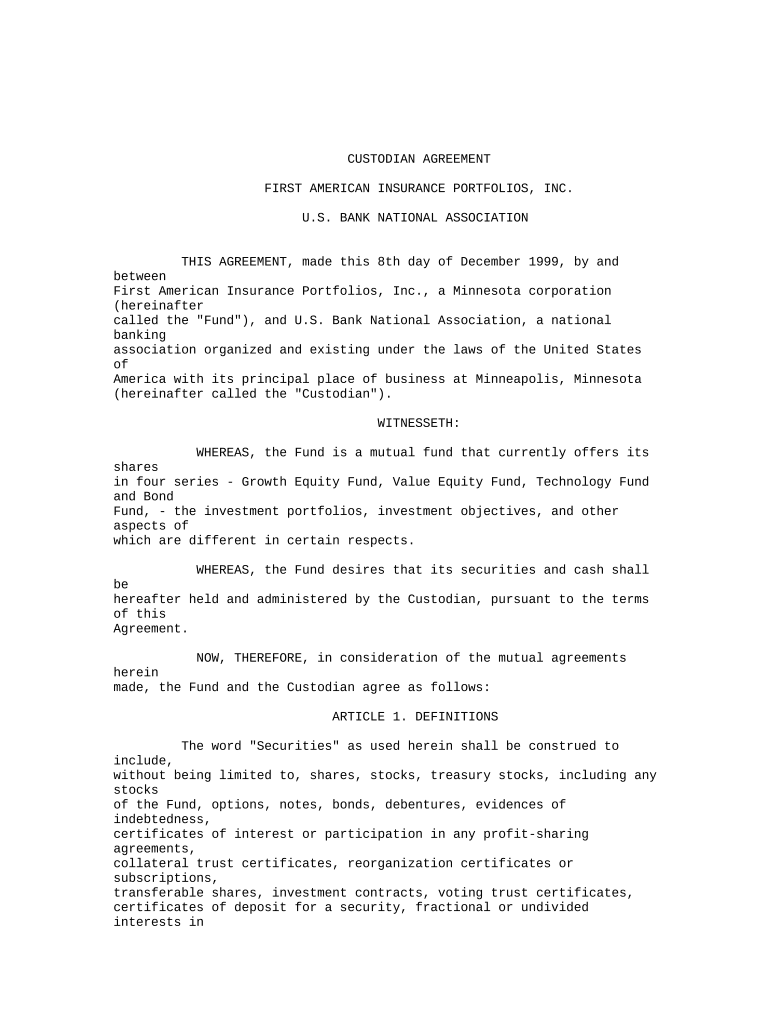
Begin by filling in the date at the top of the document. Ensure it reflects the current date or the date of execution.
In the first section, input the names and details of both parties involved: First American Insurance Portfolios, Inc. and U.S. Bank National Association.
Proceed to Article 1, where you will define key terms such as 'Securities' and 'Series.' Make sure these definitions align with your specific agreements.
Continue through each article, ensuring that all required fields are completed accurately. Pay special attention to Articles regarding signatures and authorizations (Article 2) and financial transactions (Articles 3 and 4).
Once all sections are filled out, review for accuracy. Utilize our platform's editing tools to make any necessary adjustments before finalizing.
Finally, sign the document electronically using our platform’s signature feature, ensuring compliance with all legal requirements.
Start using our platform today for free to streamline your Custodian Agreement process!
Cookie consent notice
This site uses cookies to enhance site navigation and personalize your experience.
By using this site you agree to our use of cookies as described in our Privacy Notice.
You can modify your selections by visiting our Cookie and Advertising Notice.