Type text, add images, blackout confidential details, add comments, highlights and more.
02. Sign it in a few clicks
Draw your signature, type it, upload its image, or use your mobile device as a signature pad.
03. Share your form with others
Send it via email, link, or fax. You can also download it, export it or print it out.
How to use or fill out amendment 1 rights with our platform
Ease of Setup
DocHub User Ratings on G2
Ease of Use
DocHub User Ratings on G2
Click ‘Get Form’ to open the Amendment 1 Rights document in the editor.
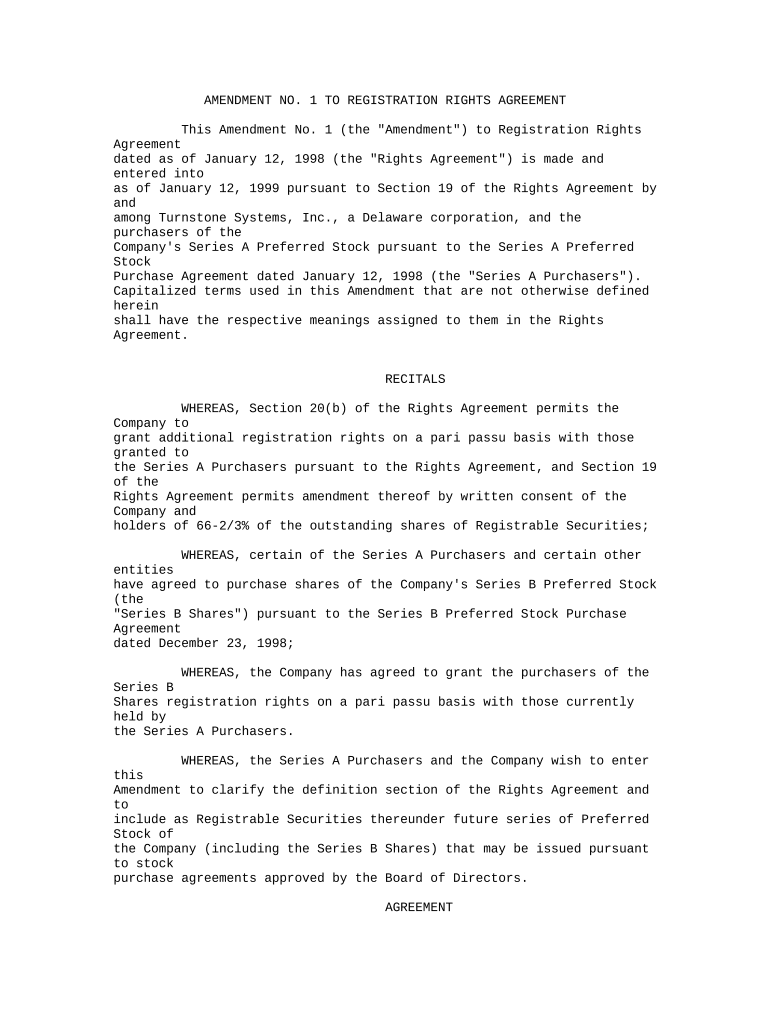
Begin by reviewing the Recitals section, which outlines the context and purpose of the amendment. Familiarize yourself with terms like 'Series A Preferred' and 'Registrable Securities' as they are crucial for understanding your rights.
Move to the Agreement section. Here, you will find specific amendments to definitions. Ensure that any references to 'Series A Preferred' are updated as per the new definitions provided.
Fill in your details where indicated, particularly if you are a Purchaser. This includes signing where required and ensuring all necessary parties are included.
Once completed, review all sections for accuracy before saving or exporting your document directly from our platform.
Start using our platform today to easily fill out your Amendment 1 Rights form for free!
2nd AmendmentFirst AmendmentBill of Rights2nd Amendment rights1st Amendment simplifiedFirst Amendment freedom of speechWhat does the First Amendment sayAmendment 3
Security and compliance
At DocHub, your data security is our priority. We follow HIPAA, SOC2, GDPR, and other standards, so you can work on your documents with confidence.
Congress shall make no law respecting an establishment of religion, or prohibiting the free exercise thereof; or abridging the freedom of speech, or of theRead more
Cookie consent notice
This site uses cookies to enhance site navigation and personalize your experience.
By using this site you agree to our use of cookies as described in our Privacy Notice.
You can modify your selections by visiting our Cookie and Advertising Notice.