Type text, add images, blackout confidential details, add comments, highlights and more.
02. Sign it in a few clicks
Draw your signature, type it, upload its image, or use your mobile device as a signature pad.
03. Share your form with others
Send it via email, link, or fax. You can also download it, export it or print it out.
How to use or fill out bylaws professional with our platform
Ease of Setup
DocHub User Ratings on G2
Ease of Use
DocHub User Ratings on G2
Click ‘Get Form’ to open the bylaws professional document in the editor.
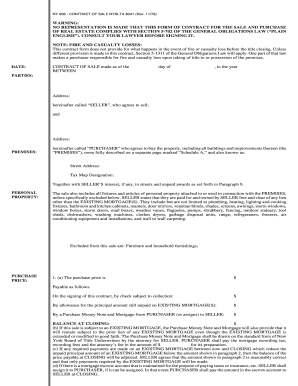
Begin by entering the corporate name and address in Article I, ensuring accuracy for legal compliance.
In Article II, specify details regarding shareholders' meetings. Fill in the designated place for meetings and set the date for annual meetings as outlined.
Complete Section 4 under Article II by detailing how notices of meetings will be delivered to shareholders, ensuring you adhere to the specified time frames.
Proceed to Article III and outline the structure of your Board of Directors, including their powers and number. Ensure all sections are filled accurately.
In Article IV, list the officers of the corporation and their roles. Confirm that each officer's responsibilities align with your organizational needs.
Review all entries for clarity and correctness before saving or exporting your completed bylaws document.
Start using our platform today to streamline your bylaws editing process for free!
Mar 24, 2021 Such position entails DocHub amount of responsibilities, time and knowledge of industry regulations, legalities, internal policies andRead more
Cookie consent notice
This site uses cookies to enhance site navigation and personalize your experience.
By using this site you agree to our use of cookies as described in our Privacy Notice.
You can modify your selections by visiting our Cookie and Advertising Notice.