




Here's how it works



How to use or fill out fcra with our platform

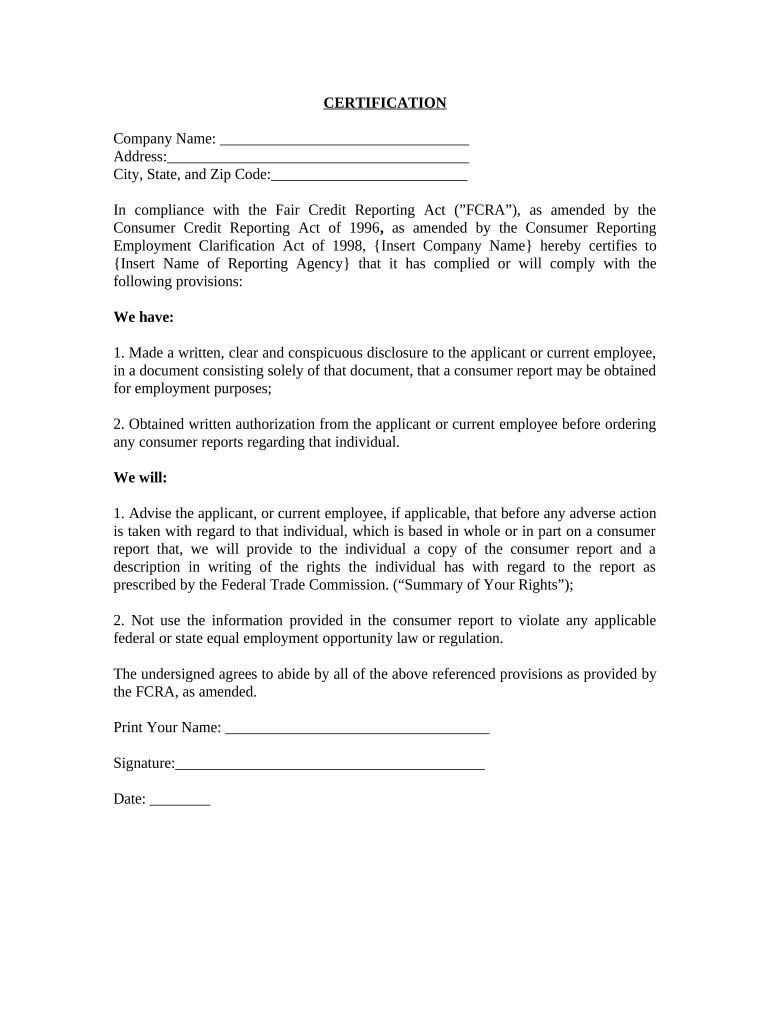
- Click ‘Get Form’ to open the FCRA certification document in the editor.
- Begin by entering your company name in the designated field at the top of the form.
- Fill in your company's address, including city, state, and zip code, ensuring accuracy for compliance.
- Review the provisions outlined in the form. Confirm that you have made a clear disclosure to applicants regarding consumer reports for employment purposes.
- Ensure you have obtained written authorization from applicants before ordering any consumer reports. This is crucial for compliance.
- Complete the undersigned section by printing your name, signing, and dating the document to finalize your certification.
Start using our platform today to streamline your FCRA form completion for free!
It's free
Got questions?
Is it safe to sign my fcra form electronically?
You should use only reliable software solutions with strong data protection compliance to sign your documents electronically. DocHub is just the type of service you need! It stores data on Amazon Web Servers and complies with all necessary security criteria and eSignature laws, so it’s a reliable way to electronically sign your fcra form or other forms with this tool.
How to manage my fcra law 2026 from Gmail?
In case your go-to electronic mail service is Gmail, you can easily integrate your DocHub editor in your work. Edit your fcra law 2026 with DocHub instruments and connect it to your drafts in Gmail. See how effortless it can be to exchange files and collaborate with a swift PDF editing solution at hand.
Security and compliance
At DocHub, your data security is our priority. We follow HIPAA, SOC2, GDPR, and other standards, so you can work on your documents with confidence.
Learn more


