Arizona legal debts 2026

Get Form
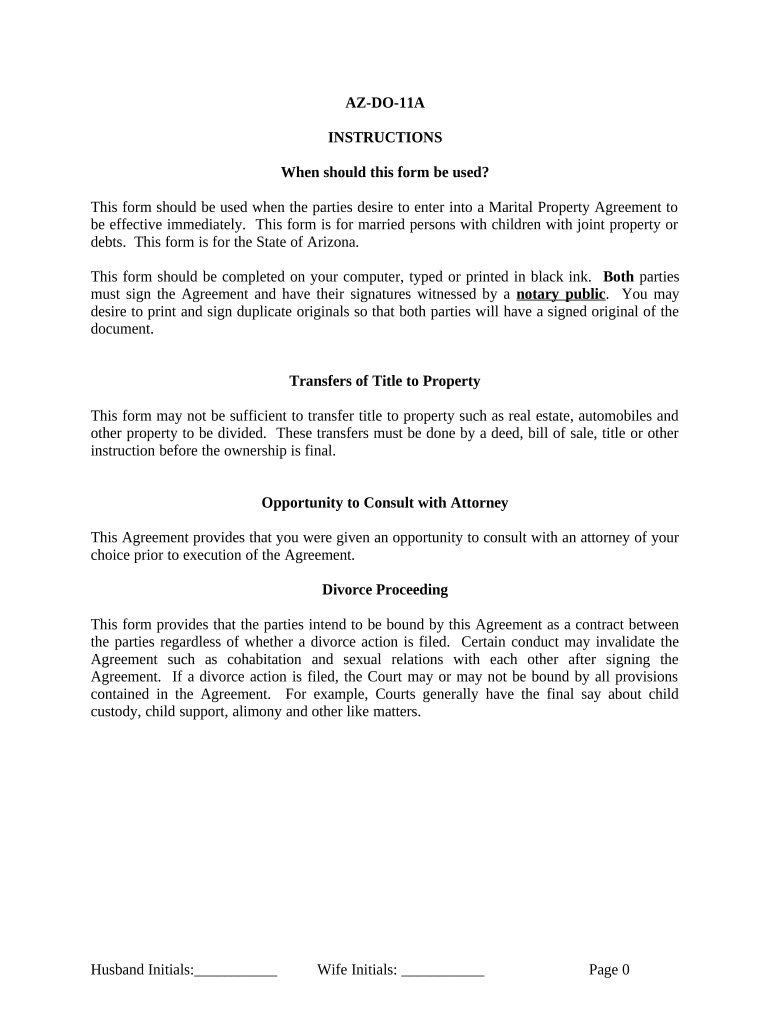
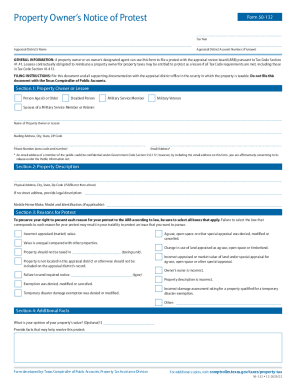
arizona legal debts Preview on Page 1

Here's how it works

01. Edit your form online
Type text, add images, blackout confidential details, add comments, highlights and more.
02. Sign it in a few clicks
Draw your signature, type it, upload its image, or use your mobile device as a signature pad.
03. Share your form with others
Send it via email, link, or fax. You can also download it, export it or print it out.

How to use or fill out Arizona legal debts with our platform

Form edit decoration
9.5
Ease of Setup
DocHub User Ratings on G2
9.0
Ease of Use
DocHub User Ratings on G2
  1. Click ‘Get Form’ to open the Arizona legal debts document in the editor.
  2. Begin by entering the full legal names of both parties in the designated fields at the top of the form. Ensure accuracy as this information is crucial for legal validity.
  3. In Section 1, outline the separation details and ensure both parties initial each section to confirm understanding and agreement.
  4. Proceed to Section 2, where you will disclose financial statuses. Each party should list their assets and liabilities clearly, ensuring transparency.
  5. In Section 4, detail any debts each party agrees to pay. Clearly describe each debt along with current amounts owed and monthly payments.
  6. Review all sections carefully for completeness and accuracy before proceeding to sign. Both parties must sign in front of a notary public as required.

Start using our platform today for free to streamline your document editing and signing process!

be ready to get more

Complete this form in 5 minutes or less

Get form

Got questions?

We have answers to the most popular questions from our customers. If you can't find an answer to your question, please contact us.
Contact us
A debt collector can sue you for any amount, whether its $1,000, $10,000, or more. Theres no legal minimum required for them to file a lawsuit. In fact, many debt collectors sue for small balances because the cost to file a lawsuit is minimal, especially when they do it at scale.
Its a legal process that creditors use to collect unpaid bills, but not all income can be taken this way. Federal and state laws protect certain types of income from garnishment. This is called exempt income, and it includes things like Social Security, unemployment benefits, and some retirement income.
The exemption on household furniture, furnishings, goods and appliances increased from $6,000 to $15,000. (ARS 33-1123) The exemption on the debtors equity in one motor vehicle increased from $6,000 to $15,000, or if the debtor or debtors dependent has a physical disability, from $12,000 to $25,000. (ARS 33-1125)
The Predatory Debt Collection Protection Act, also known as Arizona Proposition 209, was a ballot measure that passed in November 2022 and it took effect in December 2022. The stated purpose of the law was to prevent families from losing their homes, cars, and wages due to medical debt.
Six-Year Period for Credit Card Debt This means that creditors have six years from the date of the last payment or default to file a lawsuit and attempt to recover the owed money. If that six-year window passes, creditors lose the legal right to sue, though they may still attempt collection outside of the court system.

Security and compliance

At DocHub, your data security is our priority. We follow HIPAA, SOC2, GDPR, and other standards, so you can work on your documents with confidence.

Learn more
ccpa2
pci-dss
gdpr-compliance
hipaa
soc-compliance

People also ask

Homestead Exemption: Arizona offers a homestead exemption that protects up to $250,000 of equity in your primary residence from unsecured creditors. Retirement Accounts and Life Insurance: Many qualified plans and life insurance proceeds are protected from creditors under both federal and state laws.

Related links