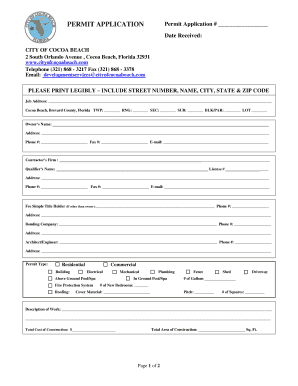
Type text, add images, blackout confidential details, add comments, highlights and more.
02. Sign it in a few clicks
Draw your signature, type it, upload its image, or use your mobile device as a signature pad.
03. Share your form with others
Send it via email, link, or fax. You can also download it, export it or print it out.
How to use or fill out waiver release with our platform
Ease of Setup
DocHub User Ratings on G2
Ease of Use
DocHub User Ratings on G2
Click ‘Get Form’ to open the waiver release in the editor.
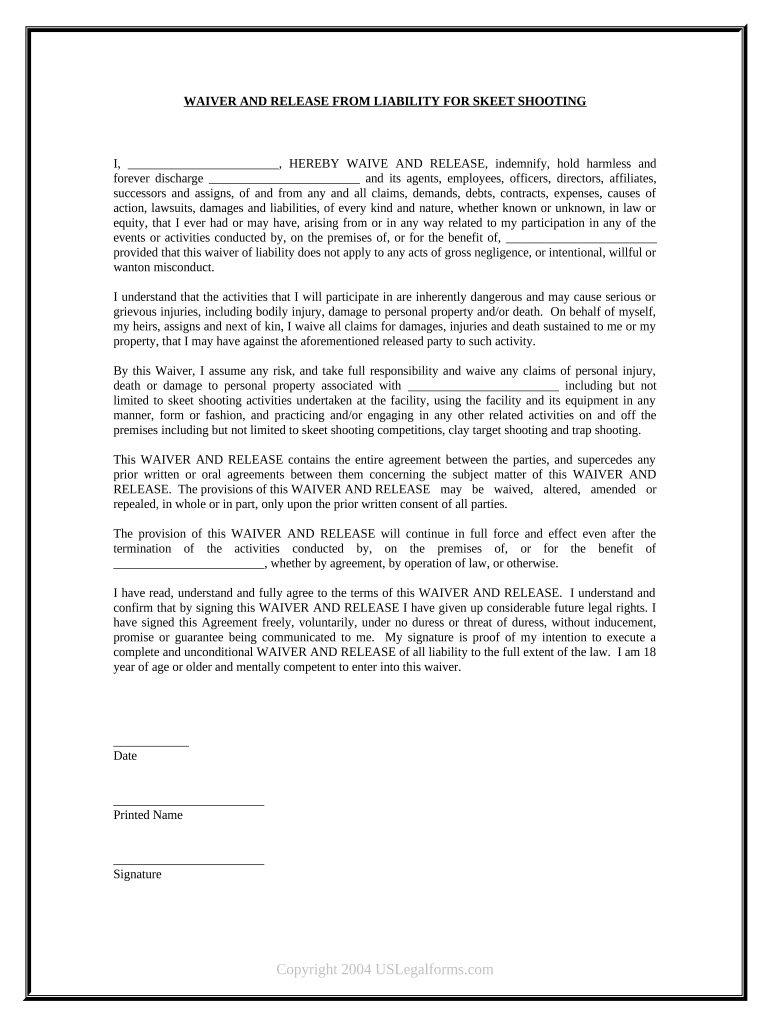
Begin by filling in your name in the designated space at the top of the form. This personalizes the waiver and identifies you as the participant.
Review the sections outlining the risks associated with skeet shooting. Ensure you understand these risks before proceeding.
In the section regarding indemnification, confirm that you agree to waive any claims against the organization and its affiliates by checking or signing as required.
Sign and date the form at the bottom. Make sure your signature reflects your understanding and acceptance of all terms outlined in this waiver.
Once completed, save your document. You can easily share it via email or print it directly from our platform for your records.
Start using our platform today to fill out your waiver release quickly and efficiently!
Waiver release formWaiver release exampleWaiver release form pdfUnconditional Waiver releaseUnconditional waiver and release on progress paymentConditional waiver and release on final paymentUnconditional waiver and release on final paymentWaiver release pdf
Security and compliance
At DocHub, your data security is our priority. We follow HIPAA, SOC2, GDPR, and other standards, so you can work on your documents with confidence.
A release of liability and waiver of the right to sue if any loss results from participation in the activity. An express assumption of risk where theRead more
Conditional and Unconditional Waiver and Release Forms
Use this form when the claimant is required to sign a waiver and release in exchange for, or in order to, induce a progress payment, and the claimant has notRead more
Cookie consent notice
This site uses cookies to enhance site navigation and personalize your experience.
By using this site you agree to our use of cookies as described in our Privacy Notice.
You can modify your selections by visiting our Cookie and Advertising Notice.