




01. Edit your form online
Type text, add images, blackout confidential details, add comments, highlights and more.

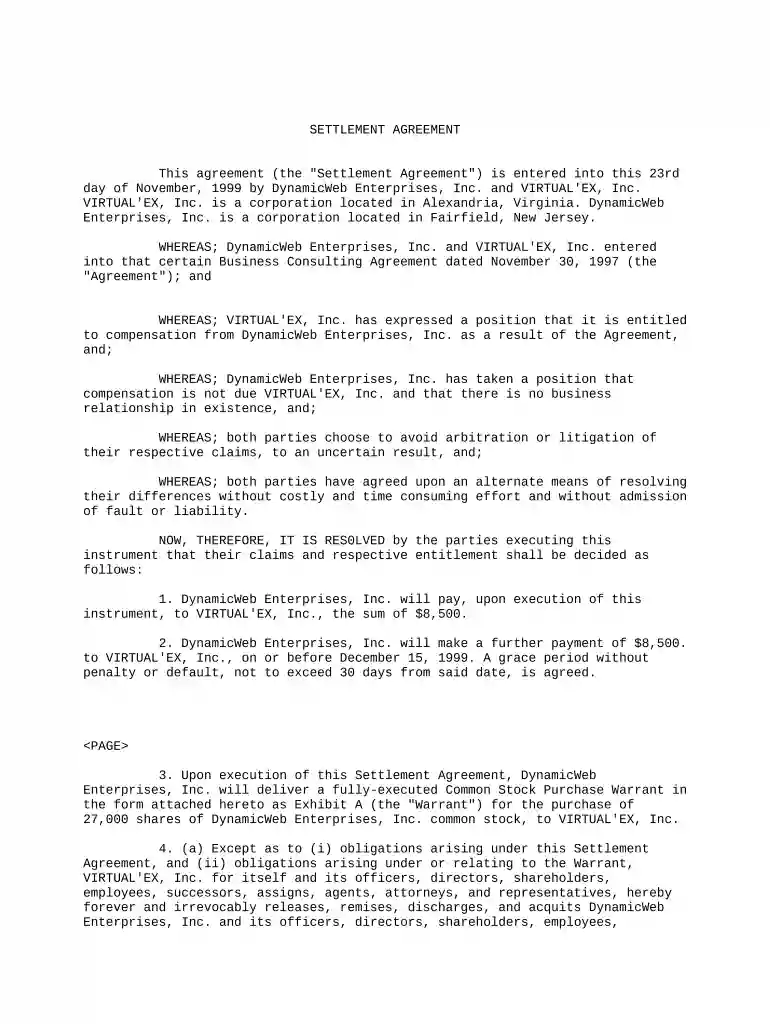
Type text, add images, blackout confidential details, add comments, highlights and more.

Draw your signature, type it, upload its image, or use your mobile device as a signature pad.

Send it via email, link, or fax. You can also download it, export it or print it out.

Start using our platform today to streamline your document editing and signing process for free!
At DocHub, your data security is our priority. We follow HIPAA, SOC2, GDPR, and other standards, so you can work on your documents with confidence.
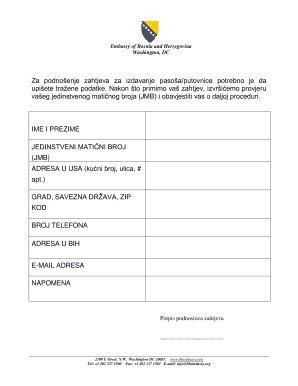



Claims-made settlements are typically utilized in retail consumer claims class actions when defendants do not have records of the identities of purchasers.Read more
Jul 15, 2016 Foreign Claims Settlement Commission This site makes FOIA requests from its members publicly available, and compiles agency information basedRead more
All parties to a claim must agree to a settlement. The parties include LI, you, and sometimes your employer.Read more


