Type text, add images, blackout confidential details, add comments, highlights and more.
02. Sign it in a few clicks
Draw your signature, type it, upload its image, or use your mobile device as a signature pad.
03. Share your form with others
Send it via email, link, or fax. You can also download it, export it or print it out.
How to Use or Fill Out Warranty with Our Platform
Ease of Setup
DocHub User Ratings on G2
Ease of Use
DocHub User Ratings on G2
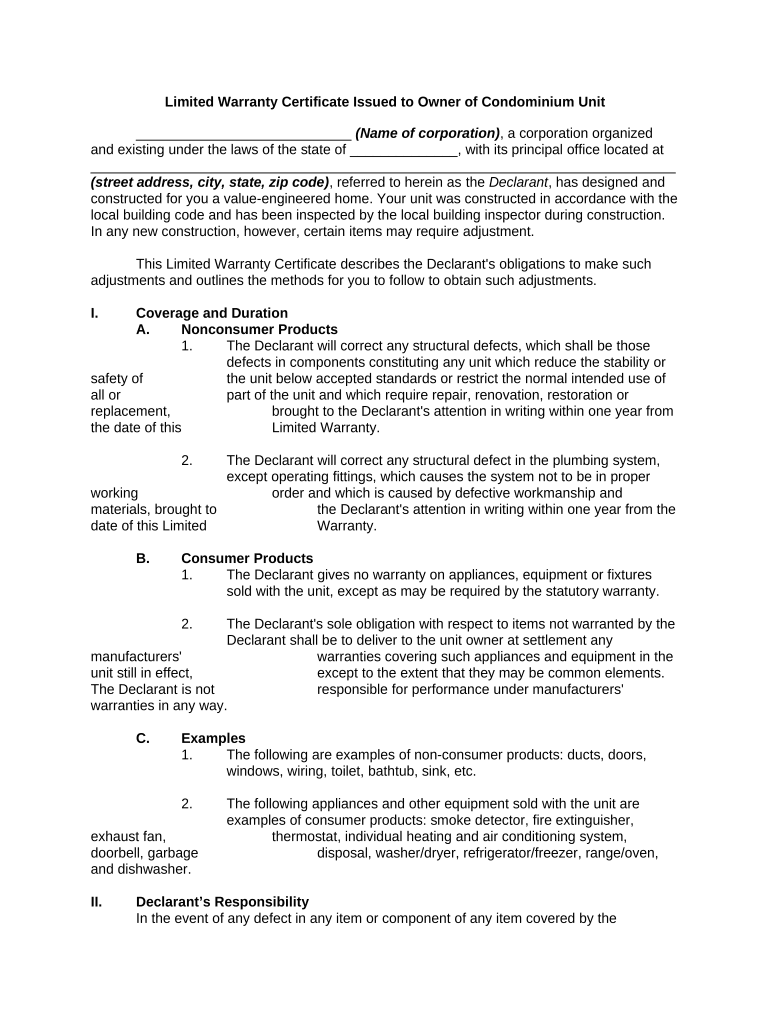
Click ‘Get Form’ to open the warranty document in the editor.
Begin by entering your name and address in the designated fields at the top of the form. Ensure that all information is accurate to avoid any issues later.
Review the coverage and duration section carefully. Note any specific defects that are covered under this warranty, such as structural defects or plumbing issues, and make sure you understand the time limits for reporting them.
In the Declarant’s Responsibility section, familiarize yourself with what actions you need to take if a defect arises. This includes sending a written statement of warranty claims within the specified timeframe.
Complete any additional sections regarding exclusions and limitations. This will help you understand what is not covered under your warranty.
Finally, sign and date the form at the bottom. Ensure that both you and an authorized officer from the Declarant sign it for validation.
Start using our platform today to fill out your warranty easily and for free!
Cookie consent notice
This site uses cookies to enhance site navigation and personalize your experience.
By using this site you agree to our use of cookies as described in our Privacy Notice.
You can modify your selections by visiting our Cookie and Advertising Notice.