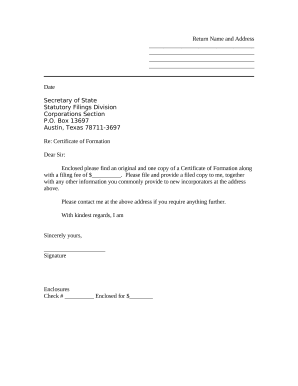
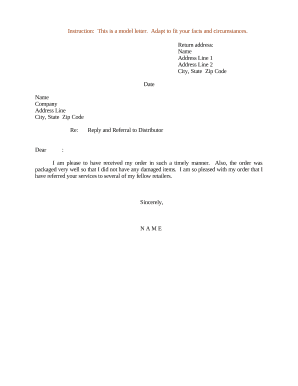
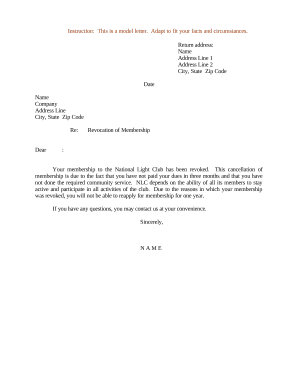
Pension request form 2026

Get Form
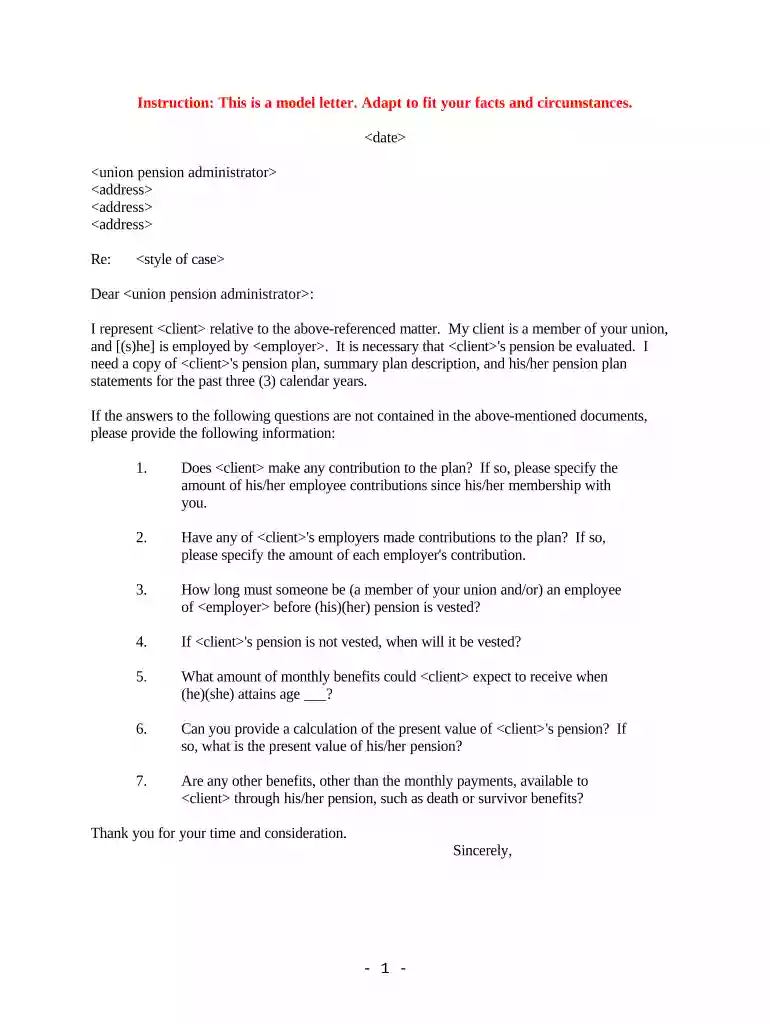
pension request form Preview on Page 1

Here's how it works

01. Edit your form online
Type text, add images, blackout confidential details, add comments, highlights and more.

02. Sign it in a few clicks
Draw your signature, type it, upload its image, or use your mobile device as a signature pad.

03. Share your form with others
Send it via email, link, or fax. You can also download it, export it or print it out.

How to use or fill out pension request form with our platform

Form edit decoration
9.5
Ease of Setup
DocHub User Ratings on G2
9.0
Ease of Use
DocHub User Ratings on G2
  1. Click ‘Get Form’ to open the pension request form in the editor.
  2. Begin by entering the date at the top of the form. This helps establish a clear timeline for your request.
  3. Fill in the union pension administrator's name and address. Ensure accuracy to avoid delays in processing your request.
  4. In the 'Re:' section, specify the style of case relevant to your inquiry, providing context for your request.
  5. Introduce yourself and your client clearly, including their employment details. This establishes legitimacy and relevance.
  6. List specific documents you are requesting, such as pension plan statements for clarity on what information is needed.
  7. Pose any additional questions regarding contributions and benefits clearly, ensuring they are numbered for easy reference.
  8. Conclude with a polite thank you note, reinforcing professionalism before signing off with your name.

Start using our platform today to streamline your pension request process for free!

be ready to get more

Complete this form in 5 minutes or less

Get form

Got questions?

We have answers to the most popular questions from our customers. If you can't find an answer to your question, please contact us.
Contact us

Sure, and it’s really easy! DocHub is a web-based PDF editor with advanced document processing features that allow you rapidly modify your paperwork, complete empty fields and insert new ones for other people to fill out, and create eSignatures in several ways. Import your pension request form, provide information as required, and select how you want to eSign your document - by typing your name, drawing your signature, uploading its picture, or utilizing a QR code.

Document editing with DocHub is equally convenient on desktop and mobile devices. You only need an internet browser to edit your pension request form on Android. Open our site and sign in to access the instruments you need. Add your document and introduce your intended modifications. Next, you can keep your form in your document storage or send it out instantly.

About Form 1099-R, Distributions From Pensions, Annuities, Retirement or Profit-Sharing Plans, IRAs, Insurance Contracts, etc. Internal Revenue Service.
You need to phone the Pension Service to get a State Pension claim form posted to you.
These include: ID documents such as drivers licence, passport, birth certificate. Citizenship certificate, if you have one. Bank account details so Centrelink knows where to pay your Age Pension payments. Your Tax File Number why would you need to provide a TFN you might ask?

Security and compliance

At DocHub, your data security is our priority. We follow HIPAA, SOC2, GDPR, and other standards, so you can work on your documents with confidence.
Learn more
ccpa2
pci-dss
gdpr-compliance
hipaa
soc-compliance

People also ask

You can apply for new State Pension if you are a: man born on or after 6 April 1951 woman born on or after 6 April 1953. Before you get to State Pension age you should get a letter from the Department for Work and Pensions telling you how to apply. You have to apply for new State Pension to get it.

Related links