Type text, add images, blackout confidential details, add comments, highlights and more.
02. Sign it in a few clicks
Draw your signature, type it, upload its image, or use your mobile device as a signature pad.
03. Share your form with others
Send it via email, link, or fax. You can also download it, export it or print it out.
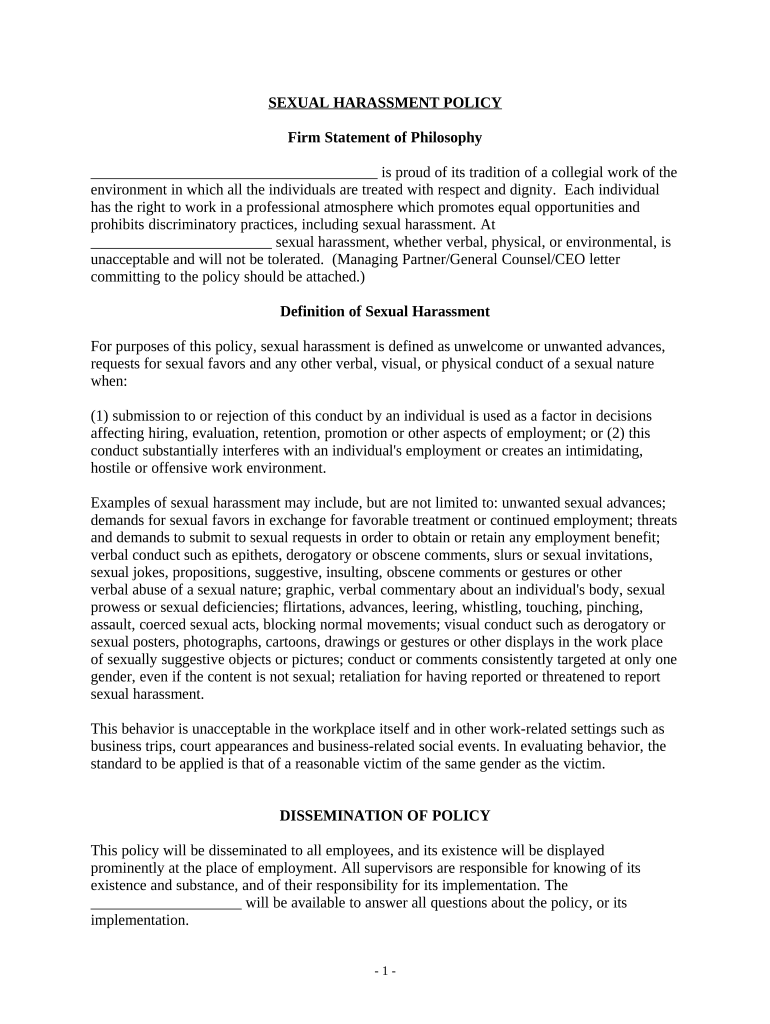
How to use or fill out harassment workplace form with our platform
Ease of Setup
DocHub User Ratings on G2
Ease of Use
DocHub User Ratings on G2
Click ‘Get Form’ to open it in the editor.
Begin by filling in your personal information at the top of the form, including your name, position, and contact details. This ensures that your complaint is properly documented.
In the 'Description of Misconduct' section, provide a detailed account of the incidents you experienced. Be specific about dates, times, locations, and any witnesses present.
Next, indicate whether you have reported this incident to anyone else within the organization. If so, include their names and positions for reference.
Review the 'Timeframe for Reporting Complaint' section to ensure your submission adheres to any deadlines outlined in the policy.
Finally, sign and date the form at the bottom before submitting it through our platform for processing.
Start using our platform today to empower yourself and ensure a safe workplace!
Workplace harassment examplesWhat are the 4 types of workplace harassmentWorkplace harassment questions and answersMental harassment at workplaceWhat qualifies as a harassment chargeFederal and state law prohibits workplace harassment based on certain protected classes and statusesHostile work environmentWhat is considered harassment by law
Security and compliance
At DocHub, your data security is our priority. We follow HIPAA, SOC2, GDPR, and other standards, so you can work on your documents with confidence.
3 Common Types of Harassment in a Hostile Work Environment
Sep 26, 2025 Physical harassment is the most overt form of harassment that can occur in hostile work environments. While it includes punching, hitting,Read more
Unlawful harassment may occur without economic injury to, or discharge of, the victim. Prevention is the best tool to eliminate harassment in the workplace.Read more
Cookie consent notice
This site uses cookies to enhance site navigation and personalize your experience.
By using this site you agree to our use of cookies as described in our Privacy Notice.
You can modify your selections by visiting our Cookie and Advertising Notice.