Type text, add images, blackout confidential details, add comments, highlights and more.
02. Sign it in a few clicks
Draw your signature, type it, upload its image, or use your mobile device as a signature pad.
03. Share your form with others
Send it via email, link, or fax. You can also download it, export it or print it out.
How to use or fill out agreement artwork with our platform
Ease of Setup
DocHub User Ratings on G2
Ease of Use
DocHub User Ratings on G2
Click ‘Get Form’ to open the agreement artwork in the editor.
Begin by entering the date of the agreement in the designated field. This is crucial for establishing the timeline of your contract.
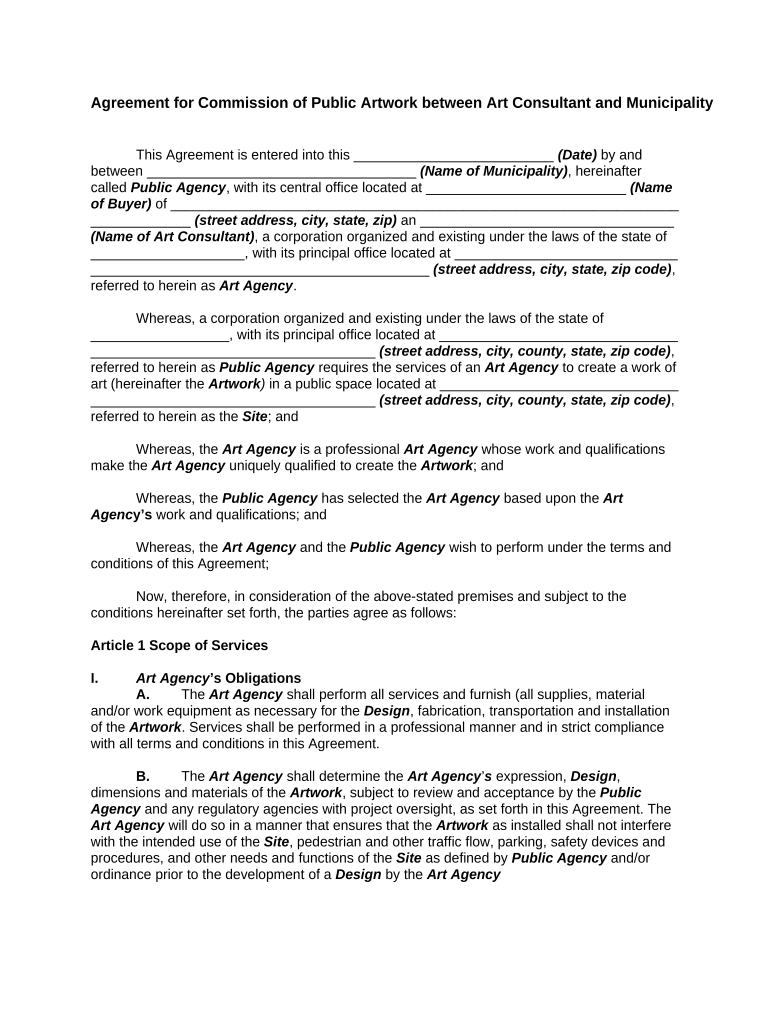
Fill in the names and addresses of both parties involved: the Public Agency and the Art Agency. Ensure all details are accurate to avoid any legal issues.
Proceed to Article 1, where you will outline the scope of services. Specify obligations for both parties, including design, fabrication, and installation responsibilities.
In Article 4, provide warranties regarding ownership and quality of the artwork. This section is vital for protecting intellectual property rights.
Review all sections carefully before finalizing. Use our platform’s tools to highlight any areas that may need further discussion or clarification.
Start filling out your agreement artwork today for free using our platform!
This Agreement represents the entire understanding of Union and the Seller concerning the sale of the Work and supersedes all other/prior agreements. The SellerRead more
A. Artist grants UP a continuing, non-exclusive right to display both still images and videos of the work publicly for documentation purposes without limitationRead more
Cookie consent notice
This site uses cookies to enhance site navigation and personalize your experience.
By using this site you agree to our use of cookies as described in our Privacy Notice.
You can modify your selections by visiting our Cookie and Advertising Notice.