Type text, add images, blackout confidential details, add comments, highlights and more.
02. Sign it in a few clicks
Draw your signature, type it, upload its image, or use your mobile device as a signature pad.
03. Share your form with others
Send it via email, link, or fax. You can also download it, export it or print it out.
How to use or fill out tn interrogatories with our platform
Ease of Setup
DocHub User Ratings on G2
Ease of Use
DocHub User Ratings on G2
Click ‘Get Form’ to open the tn interrogatories in the editor.
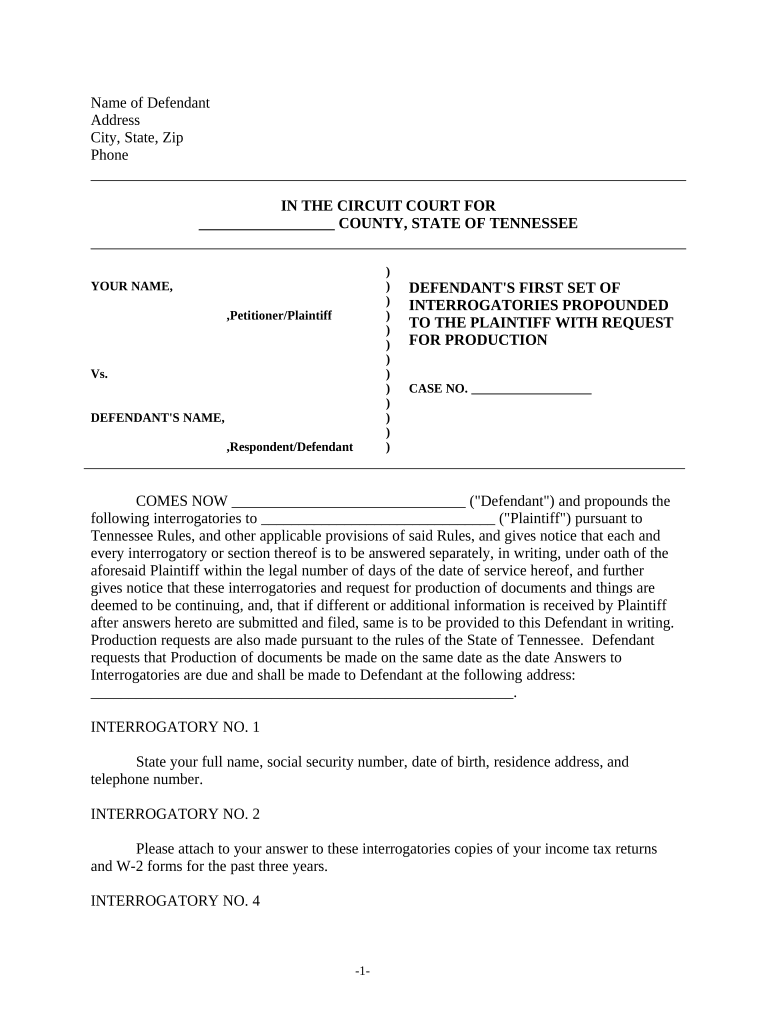
Begin by filling in the 'Name of Defendant' and 'Address' sections at the top of the form. Ensure that all information is accurate and complete.
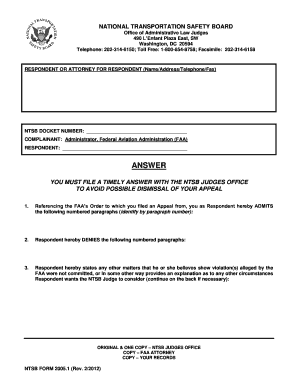
Proceed to answer each interrogatory carefully. For example, in Interrogatory No. 1, provide your full name, social security number, date of birth, residence address, and phone number.
For Interrogatory No. 2, attach copies of your income tax returns and W-2 forms for the past three years directly within the editor.
Continue through each interrogatory, ensuring you provide detailed responses as requested. Use our platform's features to add notes or comments if necessary.
Once completed, review your answers for accuracy before submitting them as required by Tennessee Rules.
Start using our platform today to streamline your tn interrogatories process for free!
Tenn r civ p 36TN Rules of Civil ProcedureTrcp 33Tennessee Rules of Civil Procedure 26Tennessee Rules of Civil Procedure requests for AdmissionTrcp 30Tn rules of EvidenceTenn r civ p 59
Security and compliance
At DocHub, your data security is our priority. We follow HIPAA, SOC2, GDPR, and other standards, so you can work on your documents with confidence.
Tenn. Comp. R. Regs. 0180-06-.15 - INTERROGATORIES
(1) Any party may serve upon any adverse party written interrogatories to be answered by the party served or, if the party served is a public or privateRead more
Discovery Process: During the discovery phase, both parties will exchange evidence and information, which may include depositions, interrogatories, and requestsRead more
Cookie consent notice
This site uses cookies to enhance site navigation and personalize your experience.
By using this site you agree to our use of cookies as described in our Privacy Notice.
You can modify your selections by visiting our Cookie and Advertising Notice.