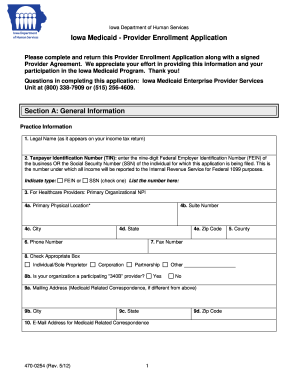
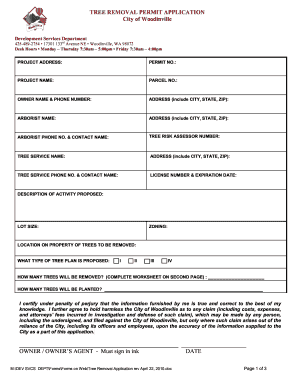
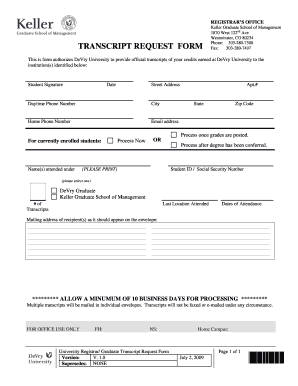
Type text, add images, blackout confidential details, add comments, highlights and more.
02. Sign it in a few clicks
Draw your signature, type it, upload its image, or use your mobile device as a signature pad.
03. Share your form with others
Send it via email, link, or fax. You can also download it, export it or print it out.
How to use or fill out Employment Hiring Process Package - South Dakota with our platform
Ease of Setup
DocHub User Ratings on G2
Ease of Use
DocHub User Ratings on G2
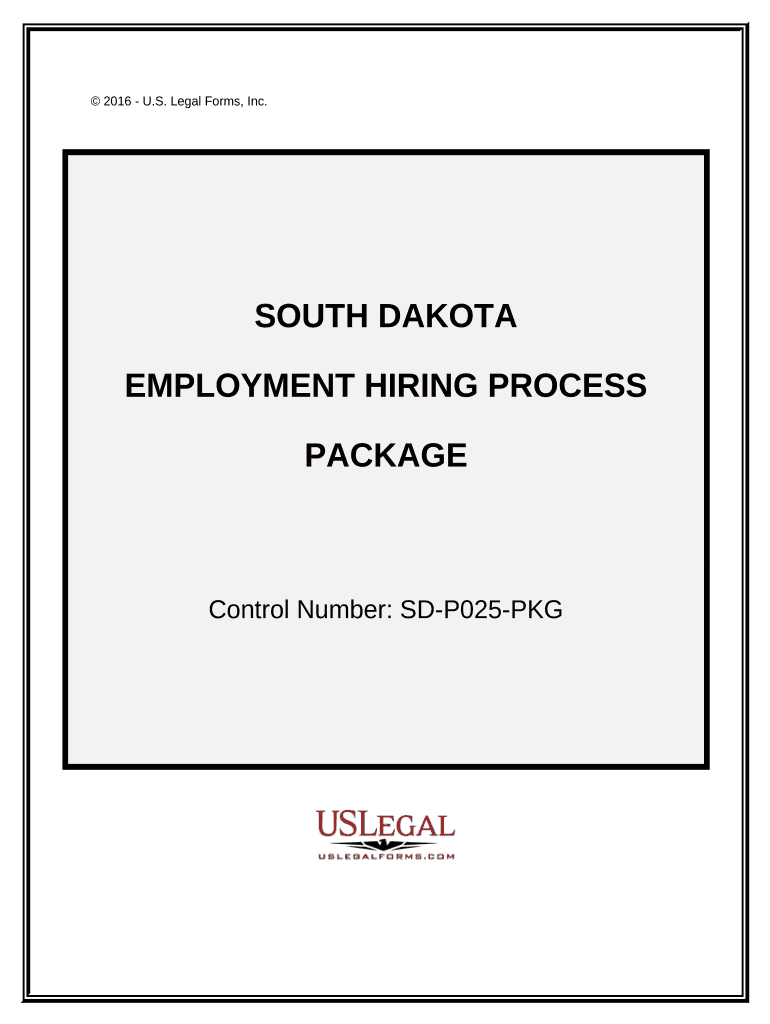
Click ‘Get Form’ to open the Employment Hiring Process Package in the editor.
Begin with the Employment Application. Fill in personal details, ensuring you provide accurate information regarding your background and qualifications.
Next, complete the Consent to Drug Testing form. Review the policies outlined and provide your consent by signing where indicated.
Proceed to the HIPAA Notice of Privacy Practices. Familiarize yourself with how your medical information will be handled and acknowledge your rights.
Continue with the Employee Time Sheet, documenting hours worked accurately. Specify any projects or tasks as needed.
Fill out the Direct Deposit Authorization form, providing your bank details for seamless payroll processing.
Complete any remaining agreements such as the Employment Agreement and Confidentiality Agreement, ensuring you understand all terms before signing.
Start using our platform today to streamline your hiring process for free!
Fill out Employment Hiring Process Package - South Dakota online It's free
South Dakota employmentFederal jobs in South DakotaSD dept of labor job searchSouth Dakota State employee benefitsSouth Dakota Job Service Sioux FallsSD works jobsOnline jobs South DakotaSouth Dakota unemployment Handbook
Security and compliance
At DocHub, your data security is our priority. We follow HIPAA, SOC2, GDPR, and other standards, so you can work on your documents with confidence.
Dakota Access Oil Pipeline (DAPL) - Global Energy Monitor
Apr 10, 2026 The Dakota Access Pipeline (DAPL) is a 1,172-mile-long (1,886 km) underground oil pipeline in the United States. It begins in the Bakken shaleRead more
15-28 days - factors include the number of applicants to interview*, the entire interview process which can consist of phone interview, in-person interview andRead more
Hiring Process Overview. As part of the South Dakota Mines hiring process, new employees are provided with campus logins during their onboarding experience.Read more
Cookie consent notice
This site uses cookies to enhance site navigation and personalize your experience.
By using this site you agree to our use of cookies as described in our Privacy Notice.
You can modify your selections by visiting our Cookie and Advertising Notice.