Type text, add images, blackout confidential details, add comments, highlights and more.
02. Sign it in a few clicks
Draw your signature, type it, upload its image, or use your mobile device as a signature pad.
03. Share your form with others
Send it via email, link, or fax. You can also download it, export it or print it out.
How to use or fill out sc assignment with our platform
Ease of Setup
DocHub User Ratings on G2
Ease of Use
DocHub User Ratings on G2
Click ‘Get Form’ to open the sc assignment in the editor.
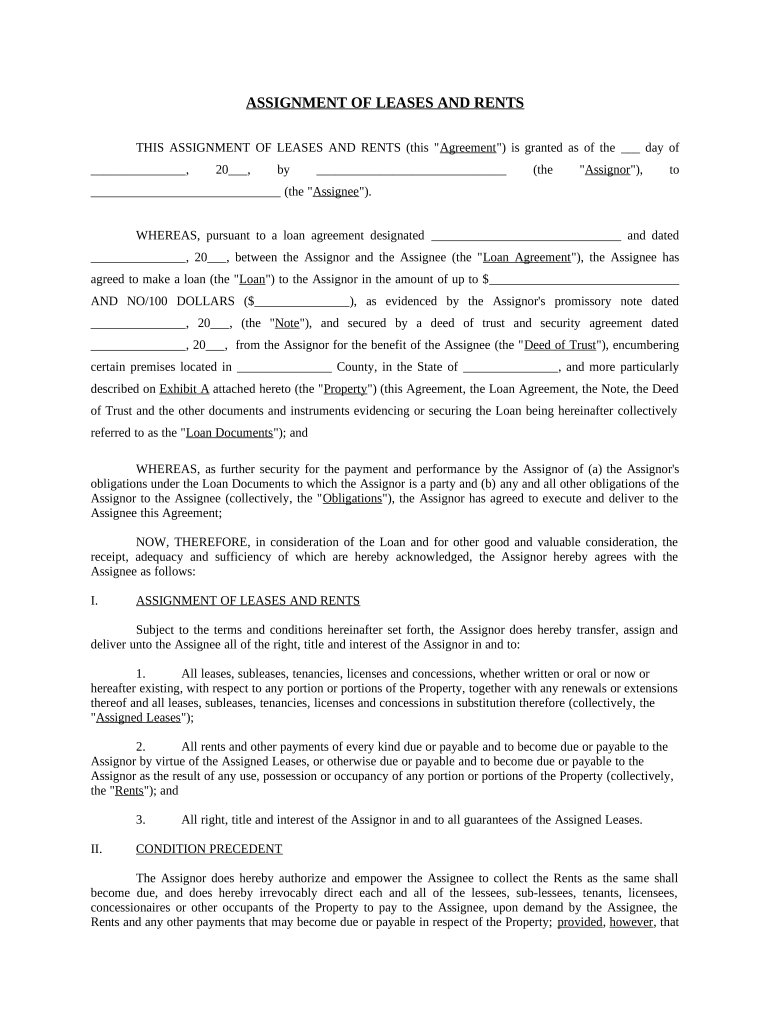
Begin by filling in the date at the top of the form. This is crucial for establishing the timeline of the agreement.
In the 'Assignor' and 'Assignee' fields, enter the names of both parties involved in this agreement. Ensure accuracy to avoid any legal issues.
Complete the loan agreement details, including the loan amount and date. This section outlines the financial obligations tied to this assignment.
Fill in property details, including location and description as specified in Exhibit A. This ensures clarity on what property is being assigned.
Review sections regarding rights and responsibilities carefully, ensuring all necessary authorizations are included for collecting rents and managing leases.
Finally, sign and date at the bottom of the form. If needed, utilize our platform’s signature feature for a seamless signing experience.
Start using our platform today to complete your sc assignment effortlessly!
1. Pin assignment can be customized. 2. Specifications subject to change without no tice. 3. Selected wavelength is available for WDM application.Read more
Cookie consent notice
This site uses cookies to enhance site navigation and personalize your experience.
By using this site you agree to our use of cookies as described in our Privacy Notice.
You can modify your selections by visiting our Cookie and Advertising Notice.