01. Edit your north carolina estate administration manual pdf online
Type text, add images, blackout confidential details, add comments, highlights and more.
02. Sign it in a few clicks
Draw your signature, type it, upload its image, or use your mobile device as a signature pad.
03. Share your form with others
Send nc estate administration manual via email, link, or fax. You can also download it, export it or print it out.
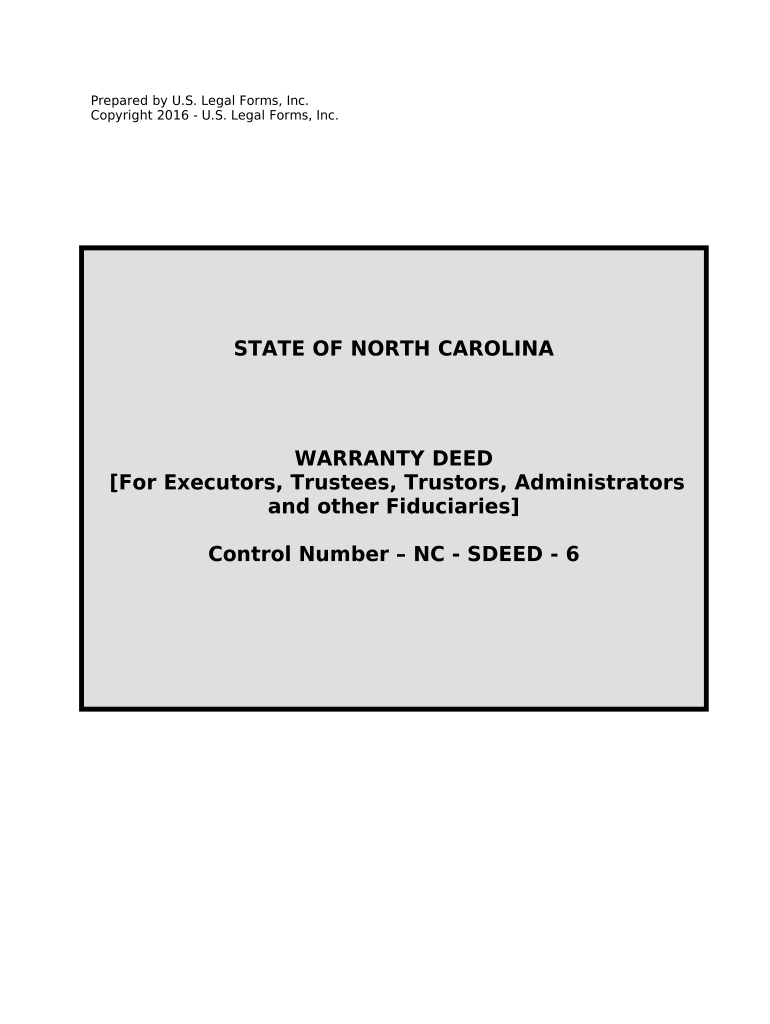
How to use or fill out Fiduciary Deed for use by Executors, Trustees, Trustors, Administrators and other Fiduciaries - North Carolina with our platform
Ease of Setup
DocHub User Ratings on G2
Ease of Use
DocHub User Ratings on G2
Click ‘Get Form’ to open the Fiduciary Deed in the editor.
Begin by entering the date of the deed at the top of the form. This is crucial for legal documentation.
Fill in the Grantor's name and address. Ensure accuracy as this identifies who is transferring the property.
Next, enter the Grantee(s) name and address. This section specifies who will receive ownership.
Indicate your role (Executor, Trustee, etc.) in the 'Acting As' section to clarify your authority in this transaction.
Provide a detailed description of the property being conveyed, including city, township, and county information.
Complete any additional sections regarding restrictions or exceptions related to the property title.
Sign and print your name at the bottom of the form. Ensure that all required signatures are obtained before finalizing.
If necessary, have a Notary Public witness your signature to validate the document legally.
Start using our platform today to easily complete your Fiduciary Deed online for free!
Fill out Fiduciary Deed for use by Executors, Trustees, Trustors, Administrators and other Fiduciaries - North Carolina online It's free
n.c. probate guide pdfDuties of executor of estate in North CarolinaN.C. executor checklistHow to file a claim against an estate in NCNorth Carolina Estate procedure PamphletNC AOCNotice to creditors nc exampleBrunswick County, nc probate
Security and compliance
At DocHub, your data security is our priority. We follow HIPAA, SOC2, GDPR, and other standards, so you can work on your documents with confidence.
Bequests to an Existing Trust--Problems and Suggested
When a will has been admitted to probate, when the trustee named as a legatee in the will has been properly iden- tified, when the executor stands ready toRead more
Cookie consent notice
This site uses cookies to enhance site navigation and personalize your experience.
By using this site you agree to our use of cookies as described in our Privacy Notice.
You can modify your selections by visiting our Cookie and Advertising Notice.