Montana foreign statement 2026

Get Form
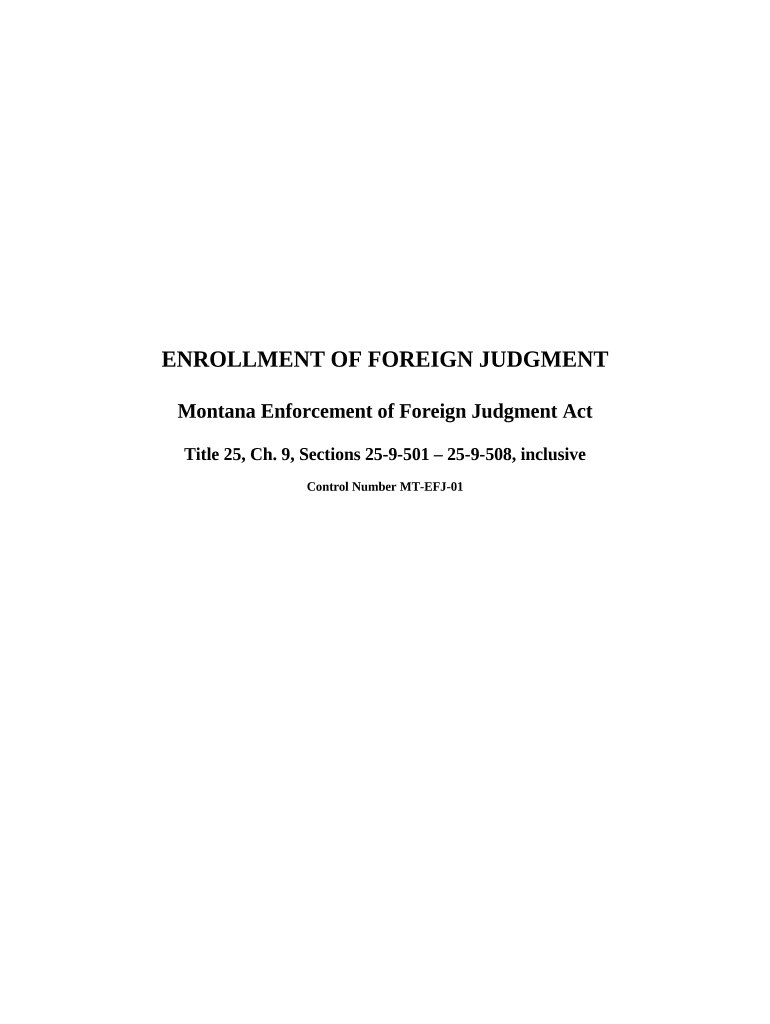
montana foreign statement Preview on Page 1

Here's how it works

01. Edit your form online
Type text, add images, blackout confidential details, add comments, highlights and more.
02. Sign it in a few clicks
Draw your signature, type it, upload its image, or use your mobile device as a signature pad.
03. Share your form with others
Send it via email, link, or fax. You can also download it, export it or print it out.

How to use or fill out Montana Foreign Statement with our platform

Form edit decoration
9.5
Ease of Setup
DocHub User Ratings on G2
9.0
Ease of Use
DocHub User Ratings on G2
  1. Click ‘Get Form’ to open the Montana Foreign Statement in the editor.
  2. Begin by filling out the 'Affidavit in Support of Request for Enrollment of Foreign Judgment' (Form One). Enter your name, address, and details about the judgment debtor, including their last known address and Social Security Number if available.
  3. Next, complete 'Request for Enrollment of Foreign Judgment' (Form Two). Specify the court where the original judgment was entered, along with case details and amounts owed.
  4. Fill out 'Notice of Enrollment of Foreign Judgment' (Form Three) to inform relevant parties about the enrollment. Ensure all amounts and dates are accurate.
  5. Review all sections for accuracy. Use our platform's editing tools to make any necessary adjustments before finalizing your document.
  6. Once completed, save your document and follow the instructions for mailing it to the appropriate clerk of court as outlined in your cover letter.

Start using our platform today to streamline your Montana Foreign Statement process for free!

be ready to get more

Complete this form in 5 minutes or less

Get form

Got questions?

We have answers to the most popular questions from our customers. If you can't find an answer to your question, please contact us.
Contact us
One of the most critical aspects of an LLC is the protection provided against personal liability. In other words, if a customer or client sues your LLC, they may only be entitled to a judgment against the LLC and not you personally. This structure allows you to protect your personal assets.
Form DE is used by single-member limited liability companies (LLCs) and sole proprietorships that are owned by nonresident individuals, estates, or trusts to report Montana-source business income. Beginning in tax year 2024, this form replaces Form DER-1.
LLCs can protect your personal assets against business debts and lawsuits in many cases, as long as you take careful steps to separate your business and personal affairs and maintain compliance.
Montana does not require a Certificate of Good Standing/Existence as part of the formation or incorporation process for new businesses. However, banks, lenders, investors, and vendors may request a good standing certificate before doing business with a company.
How Does an LLC Protect Your Personal Assets? An LLC protects your personal assets by standing in as a separate legal entity in business disputes and lawsuits.

Security and compliance

At DocHub, your data security is our priority. We follow HIPAA, SOC2, GDPR, and other standards, so you can work on your documents with confidence.

Learn more
ccpa2
pci-dss
gdpr-compliance
hipaa
soc-compliance
be ready to get more

Complete this form in 5 minutes or less

Get form

People also ask

Step 5: Pay the Filing Fee Montana charges a $70 filing fee for foreign qualification3. You can also pay extra for expedited processing$20 for a 24-hour turnaround or $100 for a 1-hour service.

Related links