




01. Edit your form online
Type text, add images, blackout confidential details, add comments, highlights and more.

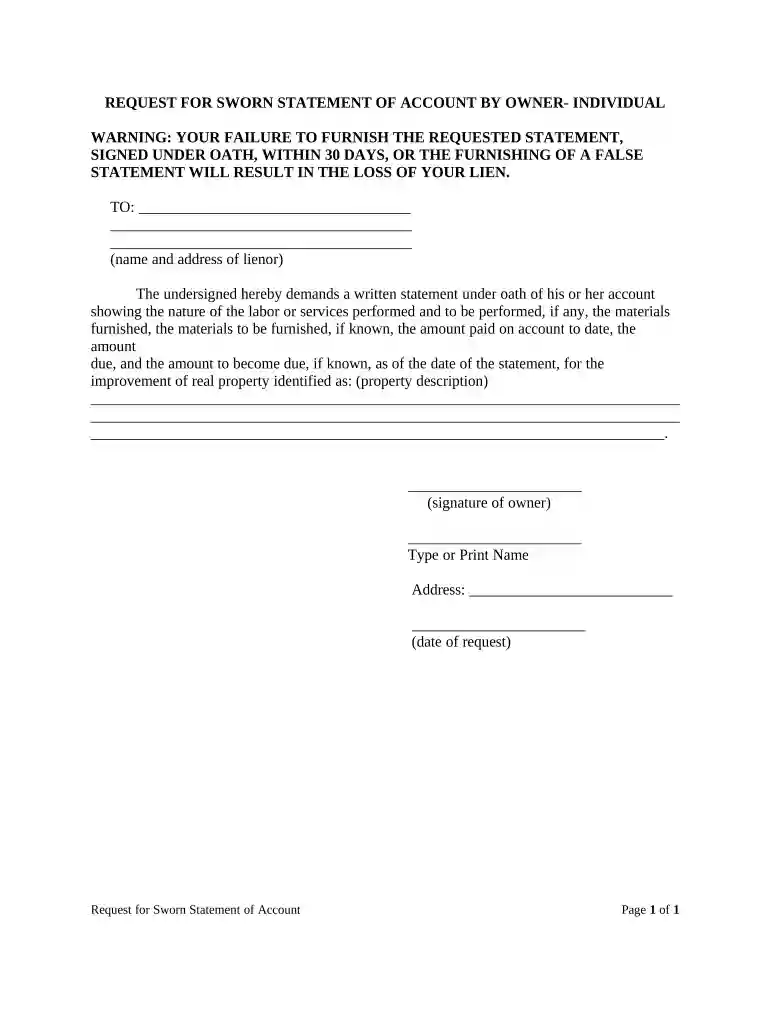
Type text, add images, blackout confidential details, add comments, highlights and more.

Draw your signature, type it, upload its image, or use your mobile device as a signature pad.

Send it via email, link, or fax. You can also download it, export it or print it out.

Start using our platform today to fill out your Florida Owner form quickly and efficiently, all for free!
At DocHub, your data security is our priority. We follow HIPAA, SOC2, GDPR, and other standards, so you can work on your documents with confidence.

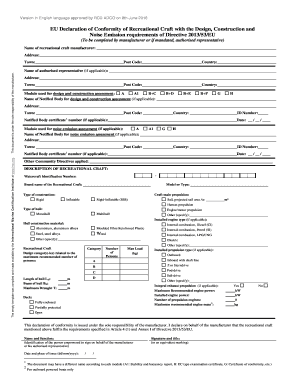



The Division of Corporations is the State of Floridas official business entity index and commercial activity website.Read more
Florida courts will hold a corporations shareholders liable for the corporations debts where the corporation was organized or used to mislead its creditors,Read more
Aug 29, 2025 The Florida Well Owner Network (FWON) is an Extension program and collaborative effort in the state of Florida aimed at providing education,


