Type text, add images, blackout confidential details, add comments, highlights and more.
02. Sign it in a few clicks
Draw your signature, type it, upload its image, or use your mobile device as a signature pad.
03. Share your form with others
Send it via email, link, or fax. You can also download it, export it or print it out.
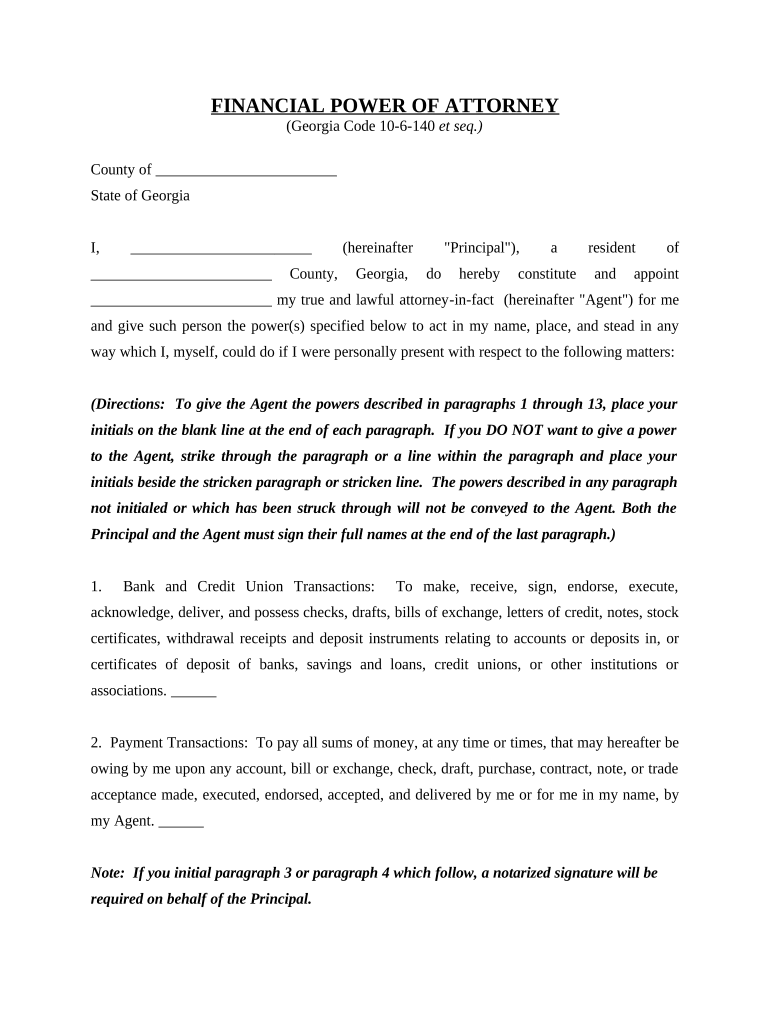
How to use or fill out ga 10 6 with our platform
Ease of Setup
DocHub User Ratings on G2
Ease of Use
DocHub User Ratings on G2
Click ‘Get Form’ to open the ga 10 6 document in the editor.
Begin by filling in your name and county at the top of the form, ensuring accuracy as this identifies you as the Principal.
Next, appoint your Agent by entering their name in the designated field. This person will act on your behalf.
Review each power listed from paragraphs 1 to 13. If you agree to grant a power, initial next to it. If you disagree, strike through that paragraph and initial beside it.
Complete the Effective Date section if you wish for the powers to activate at a later time; otherwise, leave it blank for immediate effect.
Both you and your Agent must sign at the end of the document. Ensure all signatures are clear and legible.
If applicable, have a notary public witness your signatures for added legal validity.
Start using our platform today for free to complete your ga 10 6 form effortlessly!
Yates Steam Generating Plant - Global Energy Monitor
Feb 12, 2026 Yates Steam Generating Plant is an operating power station of at least 807-megawatts (MW) in Whitesburg, Coweta, Georgia, United StatesRead more
Georgia General Assembly |Public Access | Main Page - Lexis
Upcoming System Maintenance: May 23, 2026 A maintenance event is scheduled for May 23, 2026. Some products and/or features may be unavailable between 2:00Read more
Cookie consent notice
This site uses cookies to enhance site navigation and personalize your experience.
By using this site you agree to our use of cookies as described in our Privacy Notice.
You can modify your selections by visiting our Cookie and Advertising Notice.