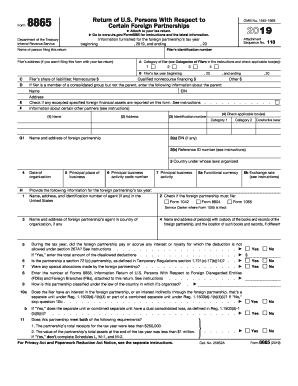
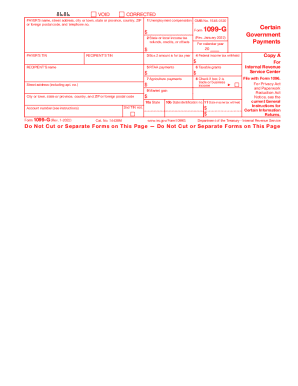
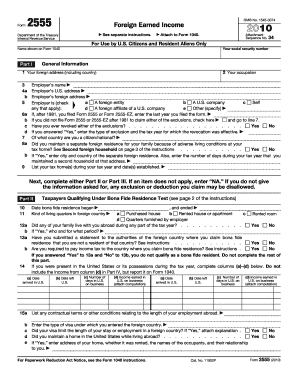
Type text, add images, blackout confidential details, add comments, highlights and more.
02. Sign it in a few clicks
Draw your signature, type it, upload its image, or use your mobile device as a signature pad.
03. Share your form with others
Send it via email, link, or fax. You can also download it, export it or print it out.
How to use or fill out worker independent form with our platform
Ease of Setup
DocHub User Ratings on G2
Ease of Use
DocHub User Ratings on G2
Click ‘Get Form’ to open the worker independent form in the editor.
Begin by filling in the Employer's name and the Social Worker’s name at the top of the form. Ensure accuracy as this establishes the parties involved.
In Section 1, specify the term of employment by entering the start date and any relevant details about duties. Clearly outline what is expected from the Social Worker.
Proceed to Section 2 to acknowledge confidentiality. Review and ensure you understand what constitutes Confidential Information before signing.
In Section 3, enter compensation details including payment frequency and amount. This section is crucial for clarity on financial terms.
Review Sections 4 through 7 carefully, ensuring all terms regarding termination, independent contractor status, and miscellaneous provisions are understood.
Finally, sign and date at the bottom of the form. Make sure both parties have signed before finalizing.
Start using our platform today to easily fill out your worker independent form for free!
Worker independent form pdfWorker independent form californiaWorker independent form onlineWhat are the rules for 1099 employeesW-9 form independent contractorNew law for 1099 employeesSocial worker independent formIndependent contractor vs employee test
Security and compliance
At DocHub, your data security is our priority. We follow HIPAA, SOC2, GDPR, and other standards, so you can work on your documents with confidence.
employee or independent contract identification form
May 31, 2023 The Employee or Independent Contractor Identification Form must be fully executed (approved) PRIOR to utilizing the employee as an independent contractorRead more
Independent contractor (self-employed) or employee?
Workers who believe they have been improperly classified as independent contractors by an employer can use Form 8919, Uncollected Social Security and MedicareRead more
May 2, 2017 Do not use these forms to report wages subject to U.S. income tax withholding. Instead, use Form W-2 to show U.S. income tax withheld. TreatmentRead more
Cookie consent notice
This site uses cookies to enhance site navigation and personalize your experience.
By using this site you agree to our use of cookies as described in our Privacy Notice.
You can modify your selections by visiting our Cookie and Advertising Notice.