Type text, add images, blackout confidential details, add comments, highlights and more.
02. Sign it in a few clicks
Draw your signature, type it, upload its image, or use your mobile device as a signature pad.
03. Share your form with others
Send it via email, link, or fax. You can also download it, export it or print it out.
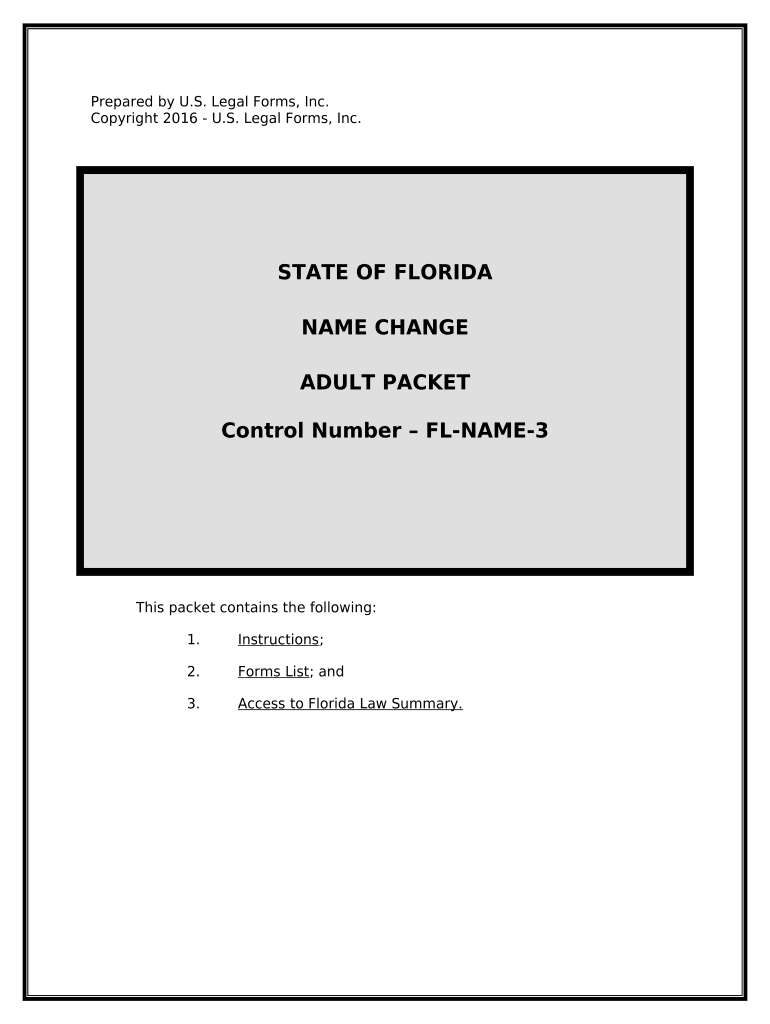
How to use or fill out the Florida Name Change Adult Packet
Ease of Setup
DocHub User Ratings on G2
Ease of Use
DocHub User Ratings on G2
Click ‘Get Form’ to open the Florida Name Change Adult Packet in our editor.
Begin by completing the Civil Cover Sheet (FL-NC-100). Ensure you provide all required general information, including your name and case number, which can be obtained from the Clerk.
Next, fill out the Petition for Change of Name (Adult) (FL-12-982A). This is your primary request form. Be thorough and use complete names instead of initials.
If applicable, complete the Disclosure from Non-Lawyer (FL-12-900A) if you received assistance for a fee. This form is crucial for transparency.
Prepare the Notice of Hearing (FL-NC-300) to inform interested parties about your hearing date. Consult with local court staff for specific procedures.
Finally, ensure you have the Final Judgment of Change of Name (FL-12-982A) ready for when your petition is approved by the judge. This document serves as proof of your name change.
Start using our platform today to streamline your name change process effortlessly!
Fl names boySunbiz fictitious name searchNames that start with fl girlFl Fictitious Name RegistrationSunbiz fictitious name RegistrationSunbiz fictitious name search by nameFl fictitious name searchFictitious name renewal
Security and compliance
At DocHub, your data security is our priority. We follow HIPAA, SOC2, GDPR, and other standards, so you can work on your documents with confidence.
[Home page] / Plant Atlas - University of South Florida
Florida has over 4,700 species of native or naturalized plants in Florida, including over 4,300 species of vascular plants and over 400 species ofRead more
FL-982 ORDER FOR PUBLICATION OR POSTING (Family law)
If, during the 28 days of publication or posting, you locate the respondents address, you must have someone 18 years of age or older mail the documents listedRead more
Cookie consent notice
This site uses cookies to enhance site navigation and personalize your experience.
By using this site you agree to our use of cookies as described in our Privacy Notice.
You can modify your selections by visiting our Cookie and Advertising Notice.