Type text, add images, blackout confidential details, add comments, highlights and more.
02. Sign it in a few clicks
Draw your signature, type it, upload its image, or use your mobile device as a signature pad.
03. Share your form with others
Send it via email, link, or fax. You can also download it, export it or print it out.
How to use or fill out board directors minutes with our platform
Ease of Setup
DocHub User Ratings on G2
Ease of Use
DocHub User Ratings on G2
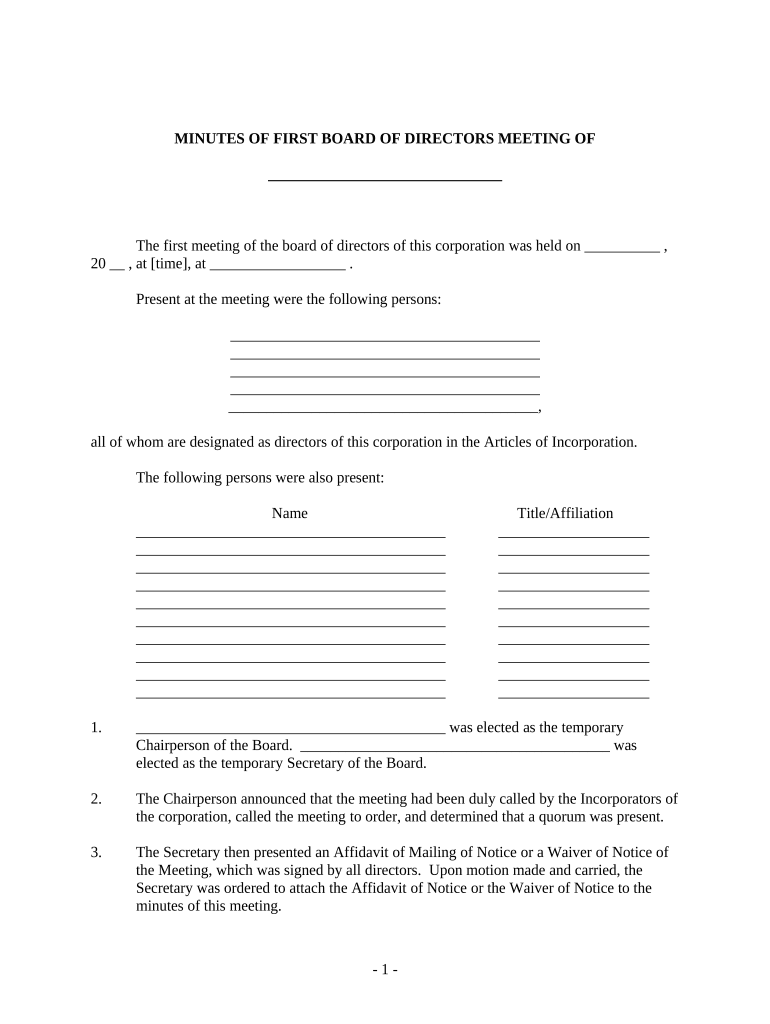
Click ‘Get Form’ to open the board directors minutes in the editor.
Begin by filling in the date and time of the meeting at the top of the document. Ensure accuracy as this sets the context for all proceedings.
List all present directors in the designated section, ensuring that each name is clearly written to reflect their official status.
Designate a temporary Chairperson and Secretary by filling in their names in the respective fields. This is crucial for maintaining order during the meeting.
Proceed to document any motions made during the meeting, including details about approvals, resolutions, and any attachments such as affidavits or by-laws.
Complete sections regarding officer elections and their salaries, ensuring that all financial figures are accurate and agreed upon by board members.
Finally, review all entries for completeness before saving or sharing your finalized document. Utilize our platform’s features to sign and distribute easily.
Start using our platform today to streamline your board directors minutes efficiently!
Board minutes are a record of what was done at the meetingnot what was said by members or guests. When assembling board minutes: Make a note of who isRead more
Cookie consent notice
This site uses cookies to enhance site navigation and personalize your experience.
By using this site you agree to our use of cookies as described in our Privacy Notice.
You can modify your selections by visiting our Cookie and Advertising Notice.