Contractors Forms Package - District of Columbia 2026

Get Form
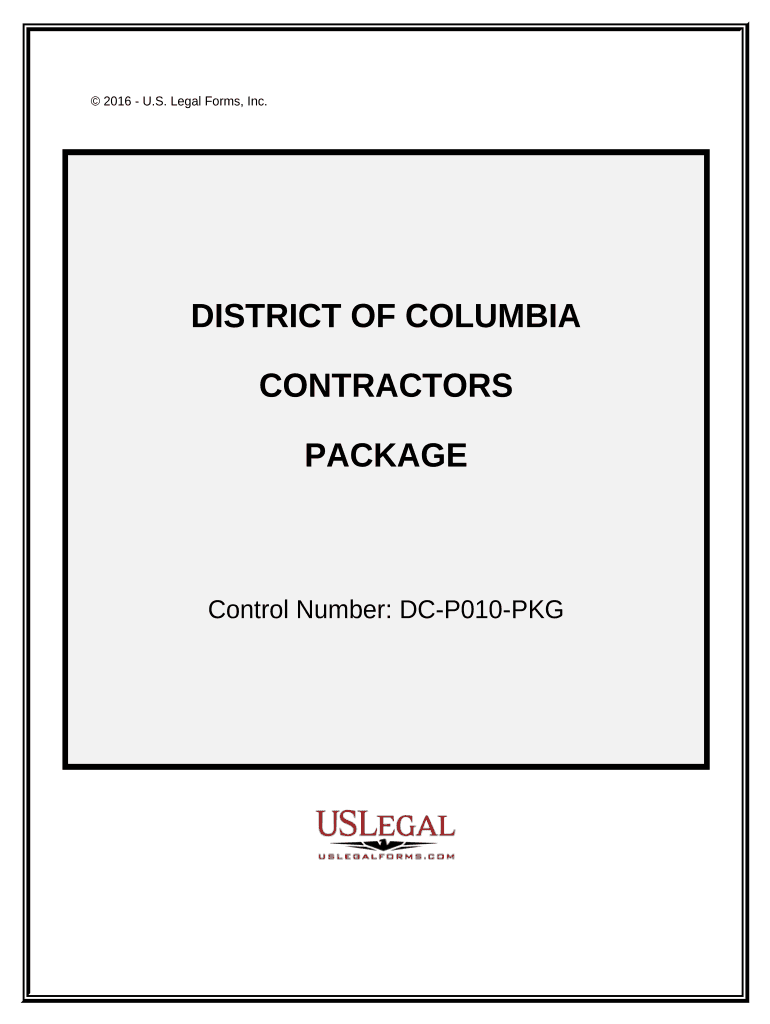
Contractors Forms Package - District of Columbia Preview on Page 1

Here's how it works

01. Edit your form online
Type text, add images, blackout confidential details, add comments, highlights and more.
02. Sign it in a few clicks
Draw your signature, type it, upload its image, or use your mobile device as a signature pad.
03. Share your form with others
Send it via email, link, or fax. You can also download it, export it or print it out.

How to use or fill out Contractors Forms Package - District of Columbia

Form edit decoration
9.5
Ease of Setup
DocHub User Ratings on G2
9.0
Ease of Use
DocHub User Ratings on G2
  1. Click ‘Get Form’ to open it in the editor.
  2. Begin with the 'Construction Contract' form. Fill in the scope of work, work site details, and insurance information as required.
  3. Next, complete the 'Construction Project Information Sheet' by entering all relevant parties involved and the project commencement date.
  4. Use the 'Change Order Sheet' to document any amendments to contracts. Ensure you specify changes clearly for accurate record-keeping.
  5. For tracking equipment usage, fill out the 'Weekly Equipment Summary', noting make, model, and maintenance performed.
  6. Complete the 'Time and Material Log' to itemize labor and materials for billing purposes.
  7. Utilize forms like the 'Job Progress Sheet' and 'Final Project Punch List' to monitor project completion stages and outstanding tasks.

Start using our platform today to streamline your Contractors Forms Package - District of Columbia!

be ready to get more

Complete this form in 5 minutes or less

Get form

Got questions?

We have answers to the most popular questions from our customers. If you can't find an answer to your question, please contact us.
Contact us
9 Essential Contract Documents The Agreement. General Conditions. Special Conditions. Scope of Work. Construction Drawings. Specifications. The Schedule. Schedule of Values.
When doing business with the Department of General Services (DGS), please carefully review the Standard Forms.
A contract document is a legally binding agreement between two or more parties. It outlines the terms and conditions of the relationship, and sets forth the rights and obligations of each party.
A contractor form is an electronic or paper form used to record agreements, transactions, or information for a construction project. They often include information such as the contractors name, clients name, job description, price, and payment conditions.
A contract is considered legally-enforceable when it incorporates six essential elements: Offer, Acceptance, Awareness, Consideration, Capacity and Legality. By understanding the six essential elements of a contract, all parties can be confident that the contract they are signing is fair and legal.

Security and compliance

At DocHub, your data security is our priority. We follow HIPAA, SOC2, GDPR, and other standards, so you can work on your documents with confidence.

Learn more
ccpa2
pci-dss
gdpr-compliance
hipaa
soc-compliance

People also ask

Some examples of simple contracts are common types of contracts like service agreements (e.g., hiring a freelancer), NDAs, loan agreements, sales agreements (e.g., vendor/supplier deals), and rental agreements (e.g., camera rental terms).
There are four essential elements of forming a contract: offer, acceptance, consideration, and intention to create legal relations. Beyond this, the terms of the contract must also be unambiguous, and the parties must have the mental capacity to agree.

Related links