01. Edit your retake pre employment drug test online
Type text, add images, blackout confidential details, add comments, highlights and more.
02. Sign it in a few clicks
Draw your signature, type it, upload its image, or use your mobile device as a signature pad.
03. Share your form with others
Send it via email, link, or fax. You can also download it, export it or print it out.
How to use or fill out Challenge of Drug Screen
Ease of Setup
DocHub User Ratings on G2
Ease of Use
DocHub User Ratings on G2
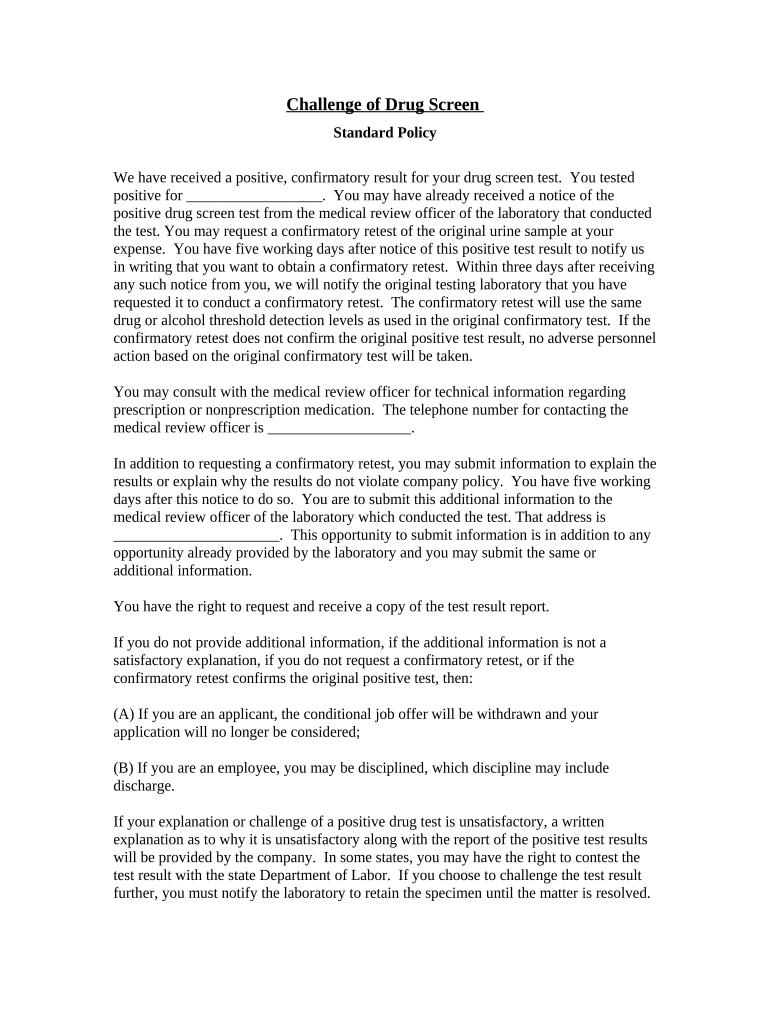
Click ‘Get Form’ to open it in the editor.
Begin by reviewing the positive test result section. Fill in the blank with the specific substance you tested positive for, ensuring accuracy.
If you wish to request a confirmatory retest, note that you have five working days from receiving this notice. Indicate your intent in writing and submit it through our platform.
Consult with the medical review officer if needed. Enter their contact number in the designated field for easy reference.
If you have additional information to explain your results, provide it within five working days. Ensure this is submitted to the correct address listed on the form.
Finally, remember that you can request a copy of your test result report. Make sure to document this request clearly.
Start using our platform today for free and streamline your document editing experience!
Fill out Challenge of Drug Screen online It's free
Urine drug test results explainedDrug test procedureUrine drug test procedureDrug test result sampleWhat do pre employment drug test look forWhy would a presumptive drug test be doneDrug test positive result sampleCan a urine drug test show how much you take
Security and compliance
At DocHub, your data security is our priority. We follow HIPAA, SOC2, GDPR, and other standards, so you can work on your documents with confidence.
Some Tough Questions for Challenges to Preemployment
by SJ Marchulewicz 1994 Cited by 3 The aforementioned remedies afford little substantive relief to preem- ployment applicants who successfully challenge drug testing programs. To provideRead more
Some employers are concerned only if the test shows drug or alcohol levels above a certain cutoff point. Other employers take a more hard-line or zeroRead more
Cookie consent notice
This site uses cookies to enhance site navigation and personalize your experience.
By using this site you agree to our use of cookies as described in our Privacy Notice.
You can modify your selections by visiting our Cookie and Advertising Notice.