Type text, add images, blackout confidential details, add comments, highlights and more.
02. Sign it in a few clicks
Draw your signature, type it, upload its image, or use your mobile device as a signature pad.
03. Share your form with others
Send it via email, link, or fax. You can also download it, export it or print it out.
How to use or fill out agreement license with our platform
Ease of Setup
DocHub User Ratings on G2
Ease of Use
DocHub User Ratings on G2
Click ‘Get Form’ to open the agreement license in the editor.
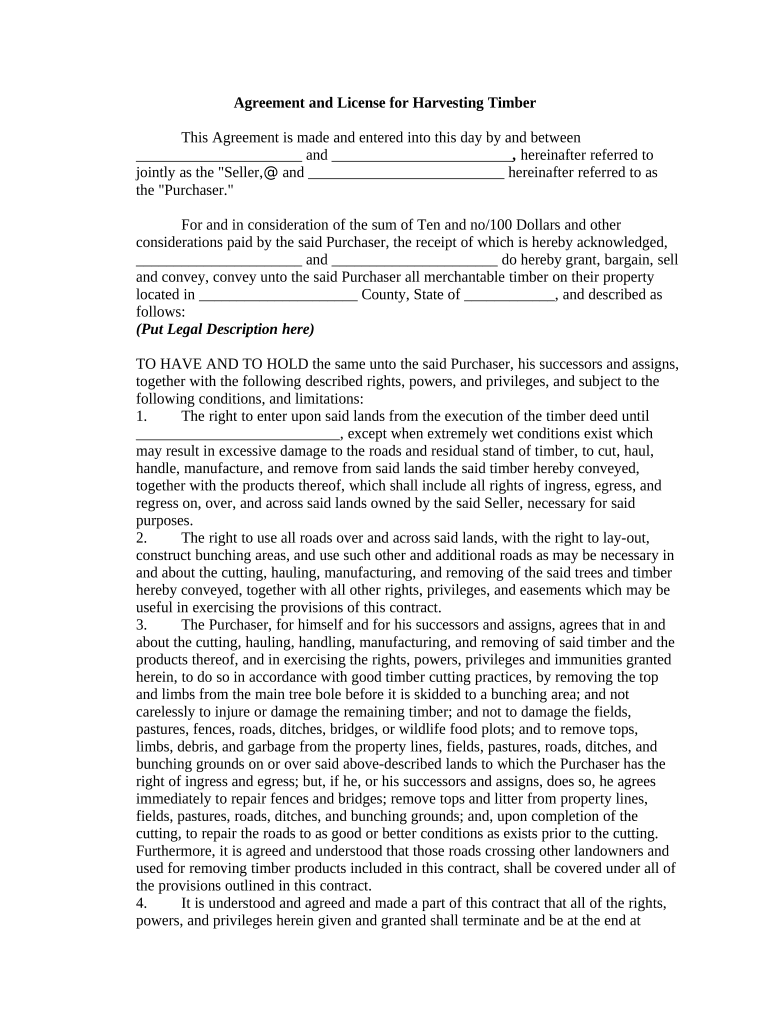
Begin by filling in the names of the Seller and Purchaser in the designated fields. Ensure accuracy as these parties are crucial to the agreement.
Input the legal description of the property where timber is being harvested. This section is vital for identifying the exact location involved in this transaction.
Review and complete each rights and responsibilities section, ensuring you understand your obligations regarding timber cutting practices and property maintenance.
Fill in any financial details, including deposit amounts and rates for timber cut, ensuring all figures are accurate to avoid disputes later.
Finally, sign and date the document at the bottom. If required, include a notary acknowledgment based on your state’s regulations.
Start using our platform today to streamline your agreement license process for free!
Our license agreements are designed to be fair and reasonable, and experienced OTD staff will work with you to help you achieve your business goals.Read more
Cookie consent notice
This site uses cookies to enhance site navigation and personalize your experience.
By using this site you agree to our use of cookies as described in our Privacy Notice.
You can modify your selections by visiting our Cookie and Advertising Notice.