




Here's how it works

01. Edit your form online
Type text, add images, blackout confidential details, add comments, highlights and more.

02. Sign it in a few clicks
Draw your signature, type it, upload its image, or use your mobile device as a signature pad.

03. Share your form with others
Send it via email, link, or fax. You can also download it, export it or print it out.
How to use or fill out corporate annual report with our platform

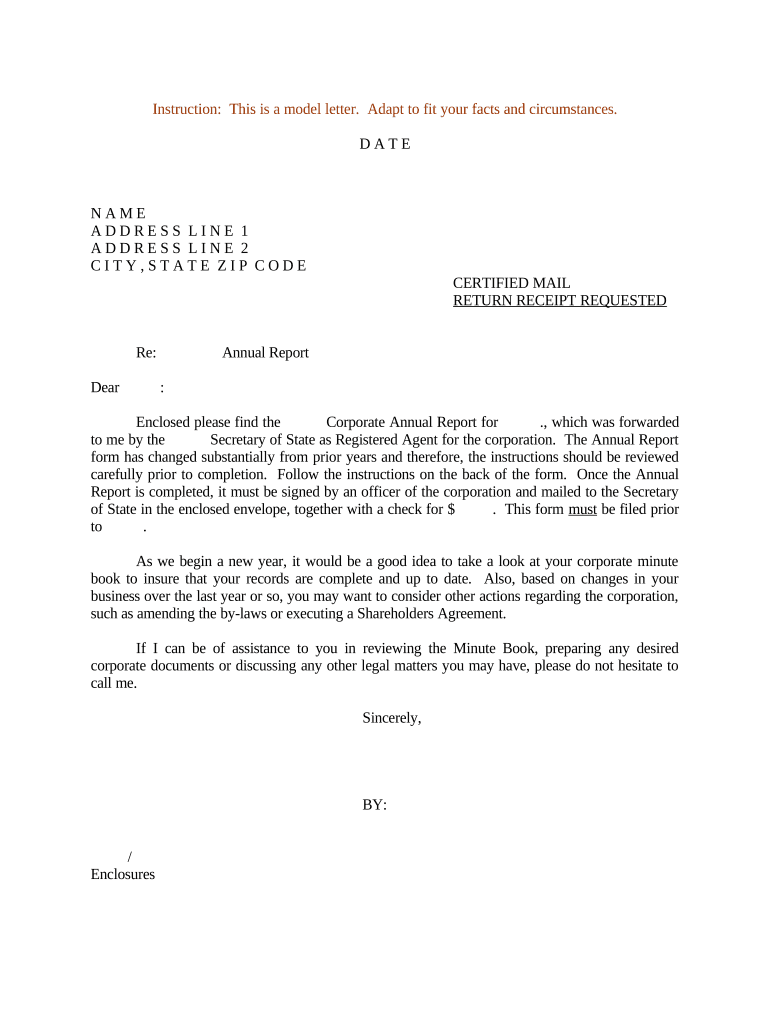
- Click ‘Get Form’ to open the Corporate Annual Report in the editor.
- Begin by reviewing the instructions provided on the back of the form. This is crucial as the form has undergone significant changes from previous years.
- Fill in your corporation's name and address in the designated fields. Ensure accuracy to avoid any processing delays.
- Complete all required sections, including financial summaries and any updates regarding corporate governance. Use our platform’s editing tools to easily modify text and add necessary details.
- Once all fields are filled, ensure that an officer of the corporation signs the document electronically using our signing feature.
- Finally, download or export the completed report for mailing along with your payment to the Secretary of State.
Start using our platform today for free to streamline your corporate annual report process!
Fill out corporate annual report online
It's free
It's free
Security and compliance
At DocHub, your data security is our priority. We follow HIPAA, SOC2, GDPR, and other standards, so you can work on your documents with confidence.
Learn more




