




01. Edit your form online
Type text, add images, blackout confidential details, add comments, highlights and more.

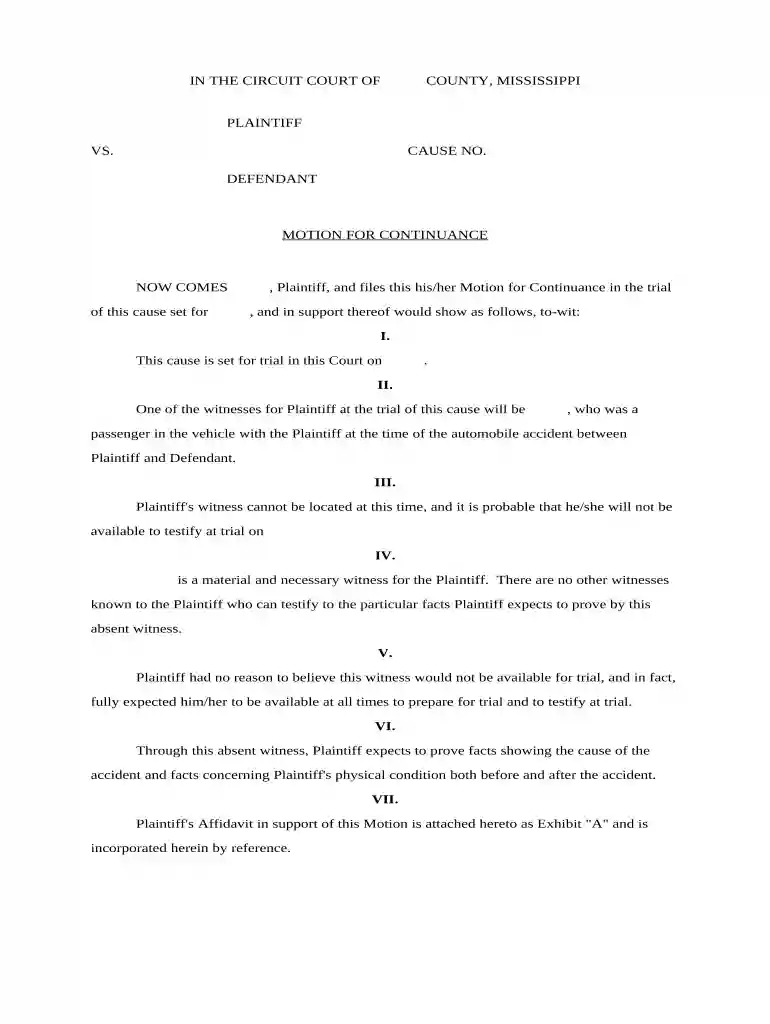
Type text, add images, blackout confidential details, add comments, highlights and more.

Draw your signature, type it, upload its image, or use your mobile device as a signature pad.

Send it via email, link, or fax. You can also download it, export it or print it out.

Start using our platform today to streamline your continuance process effortlessly!
At DocHub, your data security is our priority. We follow HIPAA, SOC2, GDPR, and other standards, so you can work on your documents with confidence.
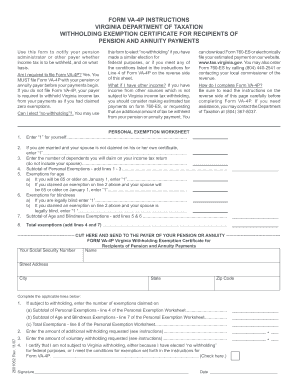



Fill out all sections of this form except the Order section and file it with the Clerk of the Court at least three (3) days before the date of the scheduledRead more
Continuance is what a court may grant to delay proceedings until a later date. Parties in a suit or the judge themselves may wish to have a continuance granted.Read more


