




01. Edit your form online
Type text, add images, blackout confidential details, add comments, highlights and more.

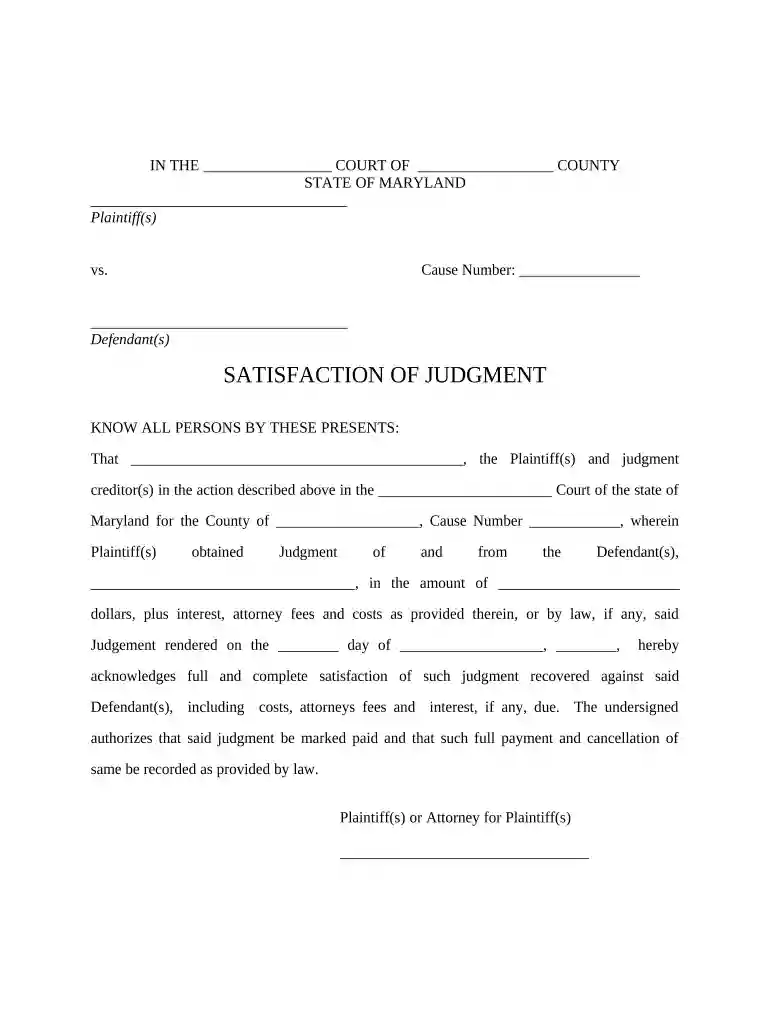
Type text, add images, blackout confidential details, add comments, highlights and more.

Draw your signature, type it, upload its image, or use your mobile device as a signature pad.

Send it via email, link, or fax. You can also download it, export it or print it out.

Start using our platform today to easily fill out your Maryland Judgment form for free!
At DocHub, your data security is our priority. We follow HIPAA, SOC2, GDPR, and other standards, so you can work on your documents with confidence.



In areas of uncertainty, professional judgment was applied. These guidelines are a working document that reflects the state of the field at the time ofRead more
by CC Brown 1978 Cited by 9 Summary Judgment in Maryland. Authors. C. Christopher Brown. Volume Number. 38. Issue Number. 2. Recommended Citation. C. C. Brown, Summary Judgment in MarylandRead more
There are three different ways you can collect on the judgment: You must file documents with the court and provide the other person with copies of all motionsRead more


