




Here's how it works



How to use or fill out waiver or release of right of election with our platform

- Click ‘Get Form’ to open it in the editor.
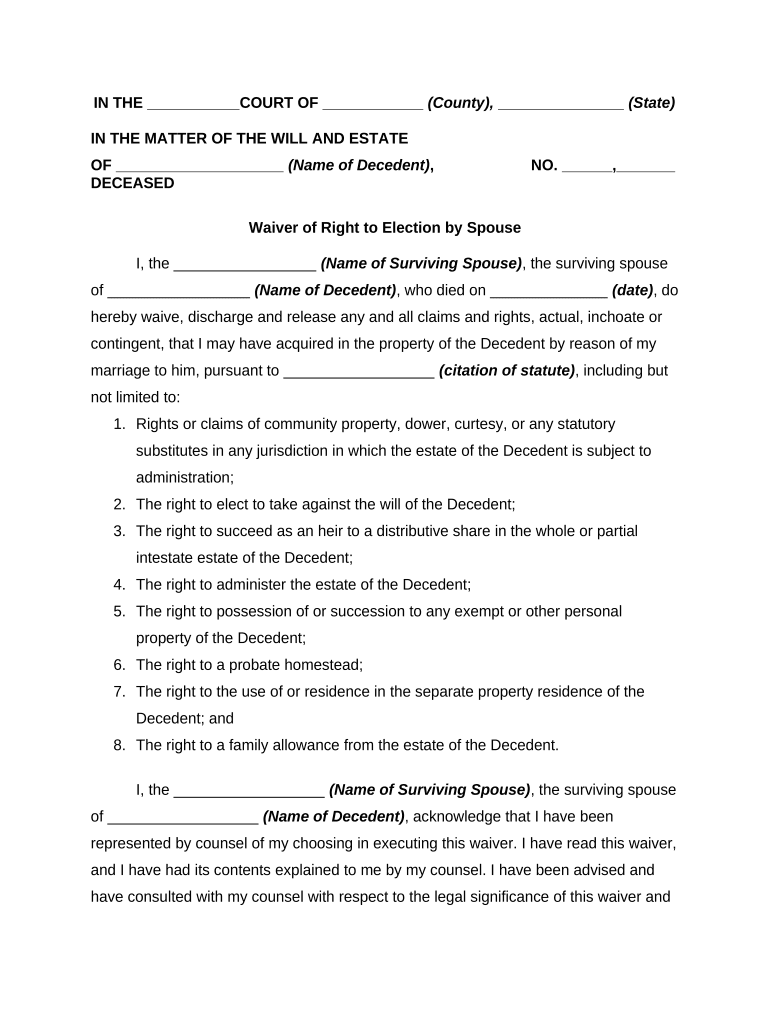
- Begin by entering the court name and county at the top of the form, followed by the state where the matter is being addressed.
- Fill in the name of the decedent and their date of death in the designated fields.
- In the section for the surviving spouse's name, input your full name as it appears legally.
- Carefully read through each claim listed, ensuring you understand what rights you are waiving. You may want to consult with legal counsel if needed.
- Sign and print your name at the bottom of the form, confirming that you have been represented by counsel and understand this waiver.
- Complete the Certificate of Service section by filling in your attorney's details and those of any other parties involved.
Start using our platform today to easily complete your waiver or release of right of election for free!
It's free
Got questions?
How can I create an electronic signature in my waiver or release of right of election on Android?
Signing paperwork on a mobile device is fast, simple, and doesn’t require software installation if you have an account with DocHub. Log in from any browser, complete your empty fields with your information, and click on Sign → Create your signature. You can draw your electronic signature the same way you usually do on paper, add its picture to your waiver or release of right of election, or type in your name and stylize its look. No matter what option you choose, your paperwork will be valid.
How do you fill out waiver or release of right of election online?
You may find and modify your waiver or release of right of election online by using DocHub. Its simple yet feature-rich design enables you to begin productive work right after you sign up your account. Create your profile and add your document, and then our interface will guide you through our stress-free form completion experience.
What is the right of election in NY?
What is the right of election in NY?
Can testator disinherit spouse and children NY?
Security and compliance
At DocHub, your data security is our priority. We follow HIPAA, SOC2, GDPR, and other standards, so you can work on your documents with confidence.
Learn more


