




01. Edit your subscribing witness online
Type text, add images, blackout confidential details, add comments, highlights and more.

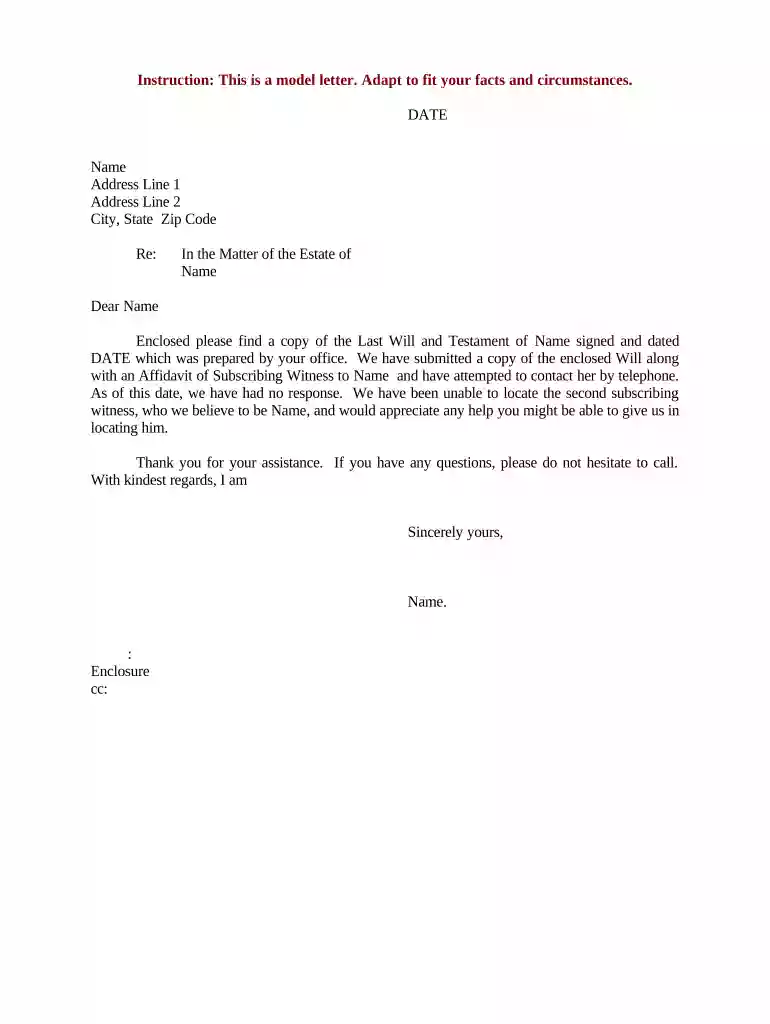
Type text, add images, blackout confidential details, add comments, highlights and more.

Draw your signature, type it, upload its image, or use your mobile device as a signature pad.

Send it via email, link, or fax. You can also download it, export it or print it out.

Start using our platform today to streamline your document editing and signing process for free!
At DocHub, your data security is our priority. We follow HIPAA, SOC2, GDPR, and other standards, so you can work on your documents with confidence.
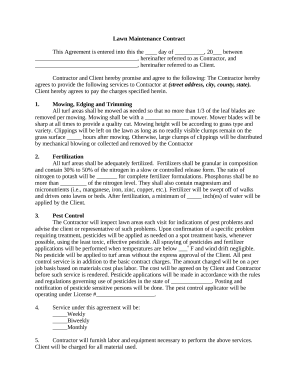
A subscribing witness is a person who observes the signing of a document and then signs it to confirm the signature was made in their presence.Read more
A nonprofit think tank that questions the reality and import of climate change, second-hand smoke health hazards, and a host of other issues.Read more
A person who signed another persons will (a legal paper that lists a persons wishes about what will happen to his or her property after death) or a codicil.Read more


