Type text, add images, blackout confidential details, add comments, highlights and more.
02. Sign it in a few clicks
Draw your signature, type it, upload its image, or use your mobile device as a signature pad.
03. Share your form with others
Send it via email, link, or fax. You can also download it, export it or print it out.
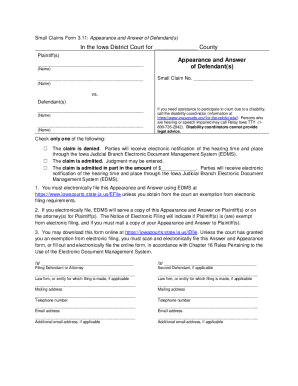
How to Use or Fill Out Unrepresented Party Form
Ease of Setup
DocHub User Ratings on G2
Ease of Use
DocHub User Ratings on G2
Click ‘Get Form’ to open it in the editor.
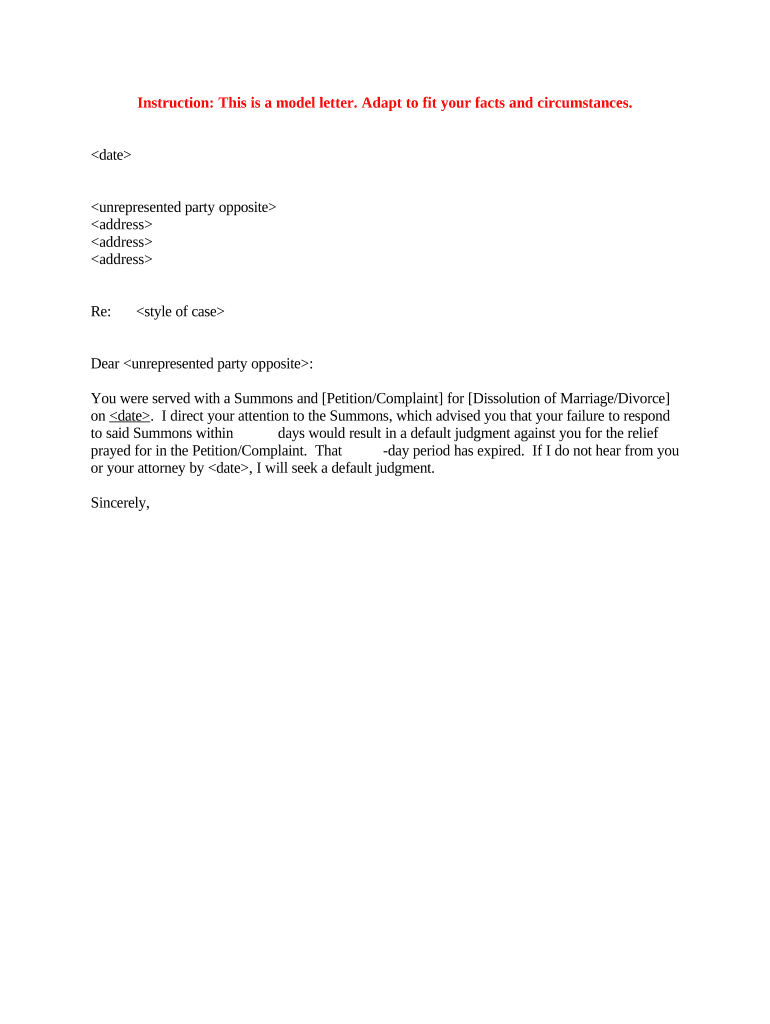
Begin by entering the date at the top of the form. This is crucial as it establishes the timeline for your communication.
In the next section, fill in the name and address of the unrepresented party opposite. Ensure accuracy to avoid any delays in correspondence.
Specify the style of case in the designated area. This helps clarify the nature of your legal matter.
Draft your message starting with a polite salutation, addressing the unrepresented party directly.
Clearly state that they were served with a Summons and [Petition/Complaint] for [Dissolution of Marriage/Divorce], including the date they were served.
Mention the importance of responding within a specified timeframe to avoid default judgment, ensuring you highlight this deadline clearly.
Conclude with a professional closing statement, signing off appropriately.
Start using our platform today to easily fill out your unrepresented party form for free!
A lawyer when dealing with an unrepresented party who may be a potential adverse party nyleRule 4.3: dealing with unrepresented personAttorney communication with unrepresented partyRule 4.4 Professional ResponsibilityCommunication with represented partyA lawyers failure to meet the biannual attorney registration requirementRule 1.13 f8.4 aba
Security and compliance
At DocHub, your data security is our priority. We follow HIPAA, SOC2, GDPR, and other standards, so you can work on your documents with confidence.
204 Pa. Code r. 4.3 - Dealing with Unrepresented Person
(a) In dealing on behalf of a client with a person who is not represented by counsel, a lawyer shall not state or imply that the lawyer is disinterested.Read more
Cookie consent notice
This site uses cookies to enhance site navigation and personalize your experience.
By using this site you agree to our use of cookies as described in our Privacy Notice.
You can modify your selections by visiting our Cookie and Advertising Notice.