




Here's how it works

01. Edit your bounce house insurance for one day online
Type text, add images, blackout confidential details, add comments, highlights and more.

02. Sign it in a few clicks
Draw your signature, type it, upload its image, or use your mobile device as a signature pad.

03. Share your form with others
Send dochub com fillable form via email, link, or fax. You can also download it, export it or print it out.
How to use or fill out bounce house rental and liability with our platform

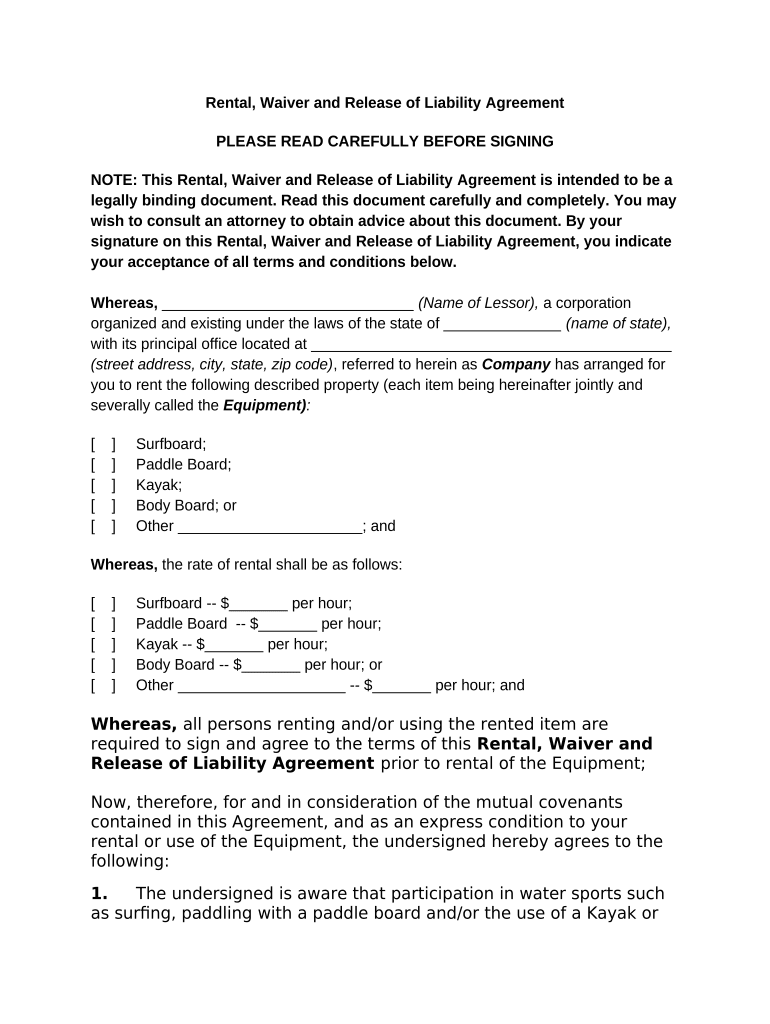
- Click ‘Get Form’ to open the bounce house rental and liability agreement in the editor.
- Begin by entering the name of the lessor and their address in the designated fields. This identifies the company providing the equipment.
- Specify the equipment being rented, such as a surfboard or kayak, along with their respective rental rates. Fill in any additional items as needed.
- Read through each section carefully, especially those outlining risks and liabilities. Ensure you understand your responsibilities regarding equipment care and potential injuries.
- Sign and date the document at the bottom. If you are under 18, ensure a parent or guardian signs as well.
Start using our platform today to easily complete your bounce house rental and liability agreement for free!
Fill out bounce house rental and liabilty online
It's free
It's free
Security and compliance
At DocHub, your data security is our priority. We follow HIPAA, SOC2, GDPR, and other standards, so you can work on your documents with confidence.
Learn more


