




Here's how it works

01. Edit your form online
Type text, add images, blackout confidential details, add comments, highlights and more.

02. Sign it in a few clicks
Draw your signature, type it, upload its image, or use your mobile device as a signature pad.

03. Share your form with others
Send it via email, link, or fax. You can also download it, export it or print it out.
How to use or fill out contract interference with our platform

- Click ‘Get Form’ to open the contract interference document in the editor.
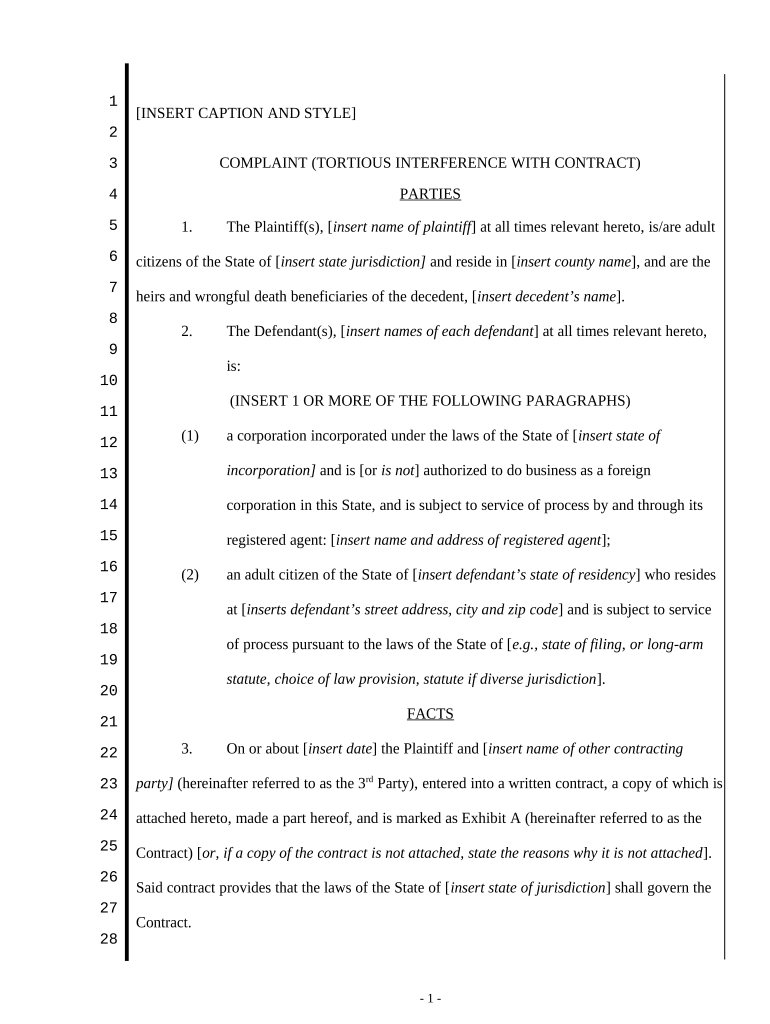
- Begin by filling in the parties involved. Insert the names of the plaintiffs and defendants, along with their respective jurisdictions and addresses as required.
- In the 'Facts' section, provide details about the contract, including its date and parties involved. If applicable, attach a copy of the contract as Exhibit A.
- Describe the obligations of both parties under the contract. Clearly outline what each party was supposed to do.
- Detail how the defendant interfered with the contract's performance, specifying actions that led to a breach by the third party.
- In the 'Claims' section, articulate how the defendant's actions caused damage to you as a plaintiff. Include specific amounts where necessary.
- Finally, complete your demand for relief by stating what you seek from this legal action, including any damages or attorney fees.
Start using our platform today for free to streamline your document editing and signing process!
Fill out contract interference online
It's free
It's free
Security and compliance
At DocHub, your data security is our priority. We follow HIPAA, SOC2, GDPR, and other standards, so you can work on your documents with confidence.
Learn more




