Type text, add images, blackout confidential details, add comments, highlights and more.
02. Sign it in a few clicks
Draw your signature, type it, upload its image, or use your mobile device as a signature pad.
03. Share your form with others
Send it via email, link, or fax. You can also download it, export it or print it out.
How to use or fill out sublease property with our platform
Ease of Setup
DocHub User Ratings on G2
Ease of Use
DocHub User Ratings on G2
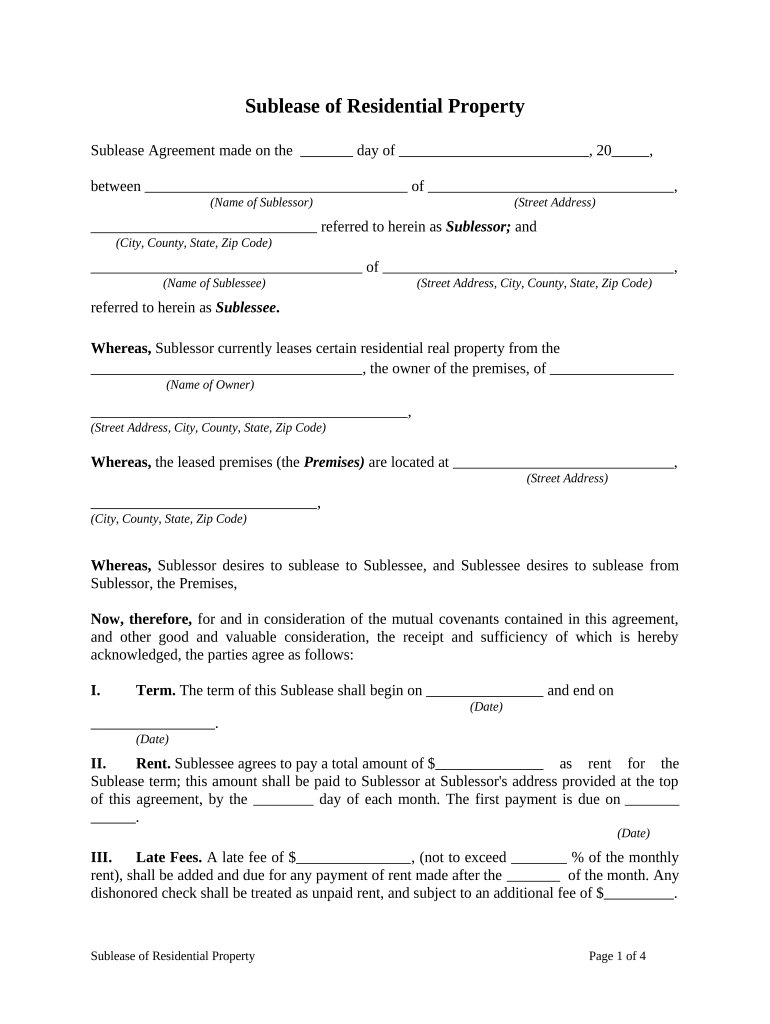
Click ‘Get Form’ to open the Sublease of Residential Property document in the editor.
Begin by filling in the date at the top of the form, followed by the names and addresses of both the Sublessor and Sublessee. Ensure all details are accurate to avoid future disputes.
Specify the term of the sublease by entering the start and end dates in Section I. This is crucial for defining your rental period.
In Section II, input the total rent amount and payment due date each month. Make sure to note when the first payment is due.
Complete Sections III through XXIII as applicable, detailing late fees, security deposits, possession dates, and any other terms relevant to your agreement.
Finally, ensure both parties sign at the bottom of the document. You can easily add signatures using our platform's signing feature.
Start editing your sublease property document online for free today!
Sublease property near meSubletting vs subleasingSublease exampleSublease agreementHow does a sublease workWho pays the landlord in a subleaseSublease property californiaIs sublease legal
Security and compliance
At DocHub, your data security is our priority. We follow HIPAA, SOC2, GDPR, and other standards, so you can work on your documents with confidence.
To sublet or sublease is to rent part of the premises to another person for all or part of the lease term, or to rent all of the premises to another for aRead more
Ashtabula Coal Pier - Global Energy Monitor - GEM.wiki
Dec 15, 2021 land its situated on, and sublease the land to one or more appropriate entities to maintain the structure at minimal expense to the city.Read more
Cookie consent notice
This site uses cookies to enhance site navigation and personalize your experience.
By using this site you agree to our use of cookies as described in our Privacy Notice.
You can modify your selections by visiting our Cookie and Advertising Notice.