Marital Legal Separation and Property Settlement Agreement for persons with no Children, No Joint Property or Debts Effective Immediately - California 2026

Get Form
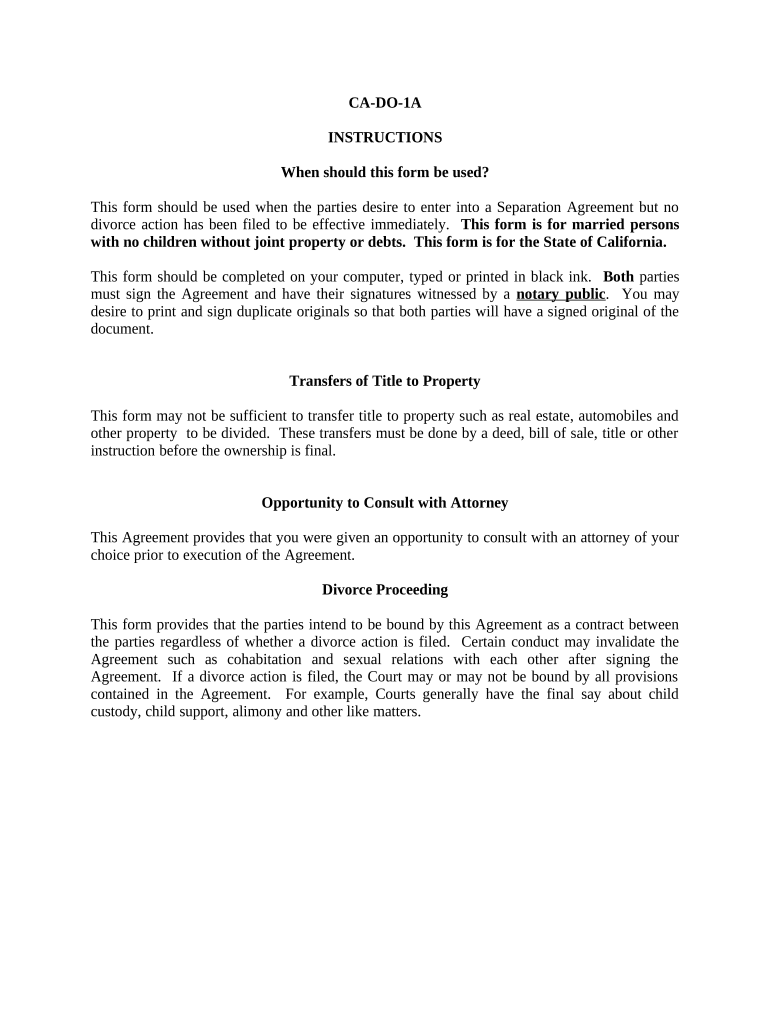
california marital settlement agreement no children Preview on Page 1

Here's how it works

01. Edit your california marital settlement agreement no children online
Type text, add images, blackout confidential details, add comments, highlights and more.
02. Sign it in a few clicks
Draw your signature, type it, upload its image, or use your mobile device as a signature pad.
03. Share your form with others
Send marital settlement agreement template california via email, link, or fax. You can also download it, export it or print it out.

How to use or fill out Marital Legal Separation and Property Settlement Agreement for persons with no Children, No Joint Property or Debts Effective Immediately - California

Form edit decoration
9.5
Ease of Setup
DocHub User Ratings on G2
9.0
Ease of Use
DocHub User Ratings on G2
  1. Click ‘Get Form’ to open it in the editor.
  2. Begin by entering the full legal names of both parties at the top of the document. Ensure that you accurately reflect your marital status and date of marriage.
  3. In Section 1, confirm your separation status and initial each party's initials as required. This section establishes your intent to live separately.
  4. Proceed to Section 2 to disclose financial information. Each party should provide a clear account of their assets and liabilities, ensuring transparency.
  5. In Section 3, detail the division of assets. Specify which items belong to whom, including household furnishings and any other personal property.
  6. Complete Sections 4 through 10 by reviewing and agreeing on alimony waivers, debt responsibilities, and future earnings. Make sure both parties understand these terms.
  7. Finally, sign the document in the designated areas and have it notarized to ensure its legal validity.

Start using our platform today to complete your Marital Legal Separation Agreement easily and for free!

be ready to get more

Complete this form in 5 minutes or less

Get form

Got questions?

We have answers to the most popular questions from our customers. If you can't find an answer to your question, please contact us.
Contact us
A separation allows time to work through some of the details of your finances and budget before deciding if divorce is inevitable. Many times, benefits such as health, dental, and life insurance cant continue for a family after a divorce, or become unaffordable.
Do Not Dispose of Any Property or Assets or Attempt to Change Ownership on Assets That Would Be Considered Property Accumulated During the Marriage. If you are caught doing this, it will damage your credibility with the court.
One of the docHub drawbacks of legal separation compared to divorce is that neither party is free to remarry. If one or both spouses wish to enter into a new marital relationship, they must first obtain a divorce, which can prolong the process and add further complications to their situation.
Key takeaways. In a legal separation, you stay legally married at the end. The court divides your property and debts and makes orders about your children, if any, and financial support. Legal separation does not have the same residency requirements (6 months in California) as a divorce.
The first thing you should do is to note your date of separation. This date is important because it calculates any time limits you have to bring a family law property settlement claim and make a divorce application.

Security and compliance

At DocHub, your data security is our priority. We follow HIPAA, SOC2, GDPR, and other standards, so you can work on your documents with confidence.

Learn more
ccpa2
pci-dss
gdpr-compliance
hipaa
soc-compliance