Type text, add images, blackout confidential details, add comments, highlights and more.
02. Sign it in a few clicks
Draw your signature, type it, upload its image, or use your mobile device as a signature pad.
03. Share your form with others
Send it via email, link, or fax. You can also download it, export it or print it out.
How to use or fill out ms attorney with our platform
Ease of Setup
DocHub User Ratings on G2
Ease of Use
DocHub User Ratings on G2
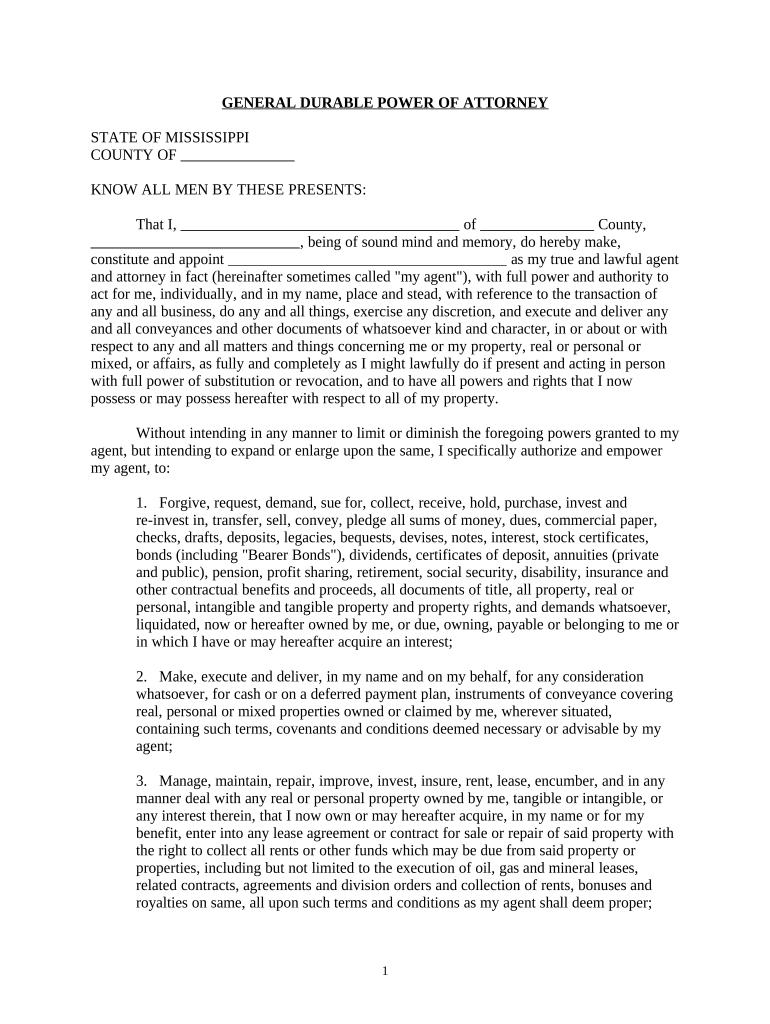
Click ‘Get Form’ to open the ms attorney document in the editor.
Begin by filling in your name and county at the top of the form. This personalizes the document and establishes your identity.
Designate your agent by entering their name in the specified field. Ensure that this person is someone you trust, as they will have significant authority over your affairs.
Review each section carefully, especially those detailing specific powers granted to your agent. You may choose to add or modify any powers according to your preferences.
Complete the witness section by having two qualified adults sign as witnesses. They must be present when you sign the document.
Finally, if required, have a notary public acknowledge your signature to ensure legal validity.
Start using our platform today for free to complete your ms attorney form effortlessly!
MS Attorney GeneralMs attorney directoryHow do i contact the Attorney General of MississippiMS Bar AssociationMS Attorney General OpinionsJobs at MS Attorney Generals OfficeMs Attorney General Consumer Protection DivisionBar Association attorney search
Security and compliance
At DocHub, your data security is our priority. We follow HIPAA, SOC2, GDPR, and other standards, so you can work on your documents with confidence.
Office of the General Counsel - Mississippi State University
Feb 10, 2026 Joan L. Lucas serves as the General Counsel for Mississippi State University and as Special Assistant Attorney General for the state of Mississippi.Read more
MS. KASSNER: Your Honor, the government can start Cherwitz in this matter, may be applying to be the next U.S. Attorney for the Eastern District of. New York.
Cookie consent notice
This site uses cookies to enhance site navigation and personalize your experience.
By using this site you agree to our use of cookies as described in our Privacy Notice.
You can modify your selections by visiting our Cookie and Advertising Notice.