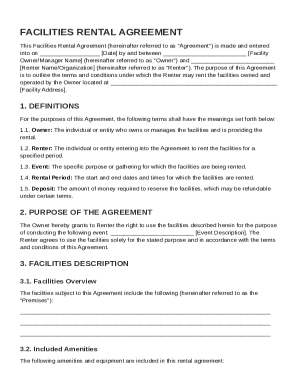
Type text, add images, blackout confidential details, add comments, highlights and more.
02. Sign it in a few clicks
Draw your signature, type it, upload its image, or use your mobile device as a signature pad.
03. Share your form with others
Send it via email, link, or fax. You can also download it, export it or print it out.
How to Use or Fill Out Complaint Contract with Our Platform
Ease of Setup
DocHub User Ratings on G2
Ease of Use
DocHub User Ratings on G2
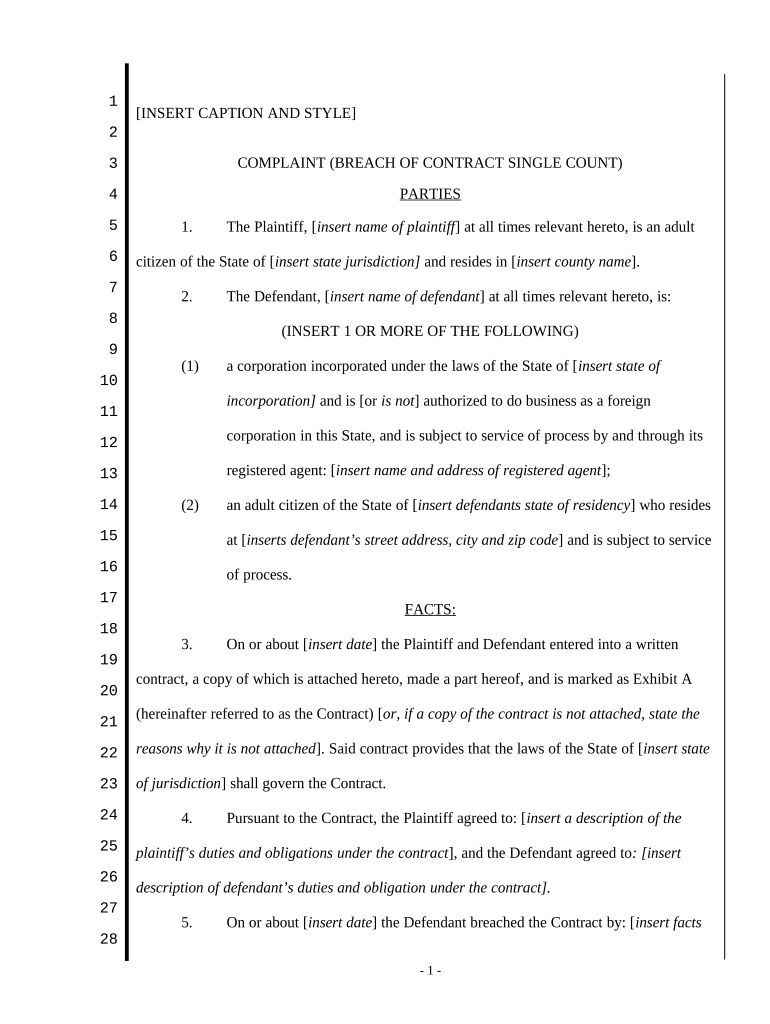
Click ‘Get Form’ to open the complaint contract in the editor.
Begin by filling in the 'Parties' section. Enter the plaintiff's name and details, including their state jurisdiction and county. Then, provide the defendant's information, selecting whether they are an individual or a corporation.
In the 'Facts' section, specify the date when the contract was made and describe both parties' obligations under the contract. If applicable, attach a copy of the contract as Exhibit A.
Detail the breach of contract by inserting relevant dates and facts that led to this breach. Ensure you clearly articulate how the defendant failed to meet their obligations.
Complete the 'Claims' section by stating how the breach caused damages to you as the plaintiff. Include any amounts related to these damages.
Finally, in 'Demand for Relief', outline your requests from the court, including trial by jury and any compensation sought for damages.
Start using our platform today for free to streamline your complaint contract process!
Breach of contract Complaint pdfBreach of contract complaint exampleSample complaint for breach of contract CaliforniaSample breach of contract complaint IllinoisLawsuit complaint exampleFederal complaint exampleSample Civil complaintBreach of Contract complaint California
Security and compliance
At DocHub, your data security is our priority. We follow HIPAA, SOC2, GDPR, and other standards, so you can work on your documents with confidence.
PLD-C-001 COMPLAINTContract - California Courts - CA.gov
Jurisdiction (check all that apply):. ACTION IS A LIMITED CIVIL CASE (does not exceed $35,000). Amount demanded does not exceed $10,000 exceeds $10,000.Read more
A default under a contract for the sale and purchase of real estate in Florida must be material to be legally justified. If a material default occurs,Read more
Complaint for BDocHub of Employment Contract and Defamation
May 6, 2026 Complaint for BDocHub of Employment Contract and Defamation of Character in the case Manuel Uriarte vs. League of United Latin American Citizens.Read more
Cookie consent notice
This site uses cookies to enhance site navigation and personalize your experience.
By using this site you agree to our use of cookies as described in our Privacy Notice.
You can modify your selections by visiting our Cookie and Advertising Notice.