Type text, add images, blackout confidential details, add comments, highlights and more.
02. Sign it in a few clicks
Draw your signature, type it, upload its image, or use your mobile device as a signature pad.
03. Share your form with others
Send it via email, link, or fax. You can also download it, export it or print it out.
How to Use or Fill Out Motions File with Our Platform
Ease of Setup
DocHub User Ratings on G2
Ease of Use
DocHub User Ratings on G2
Click ‘Get Form’ to open the motions file in the editor.
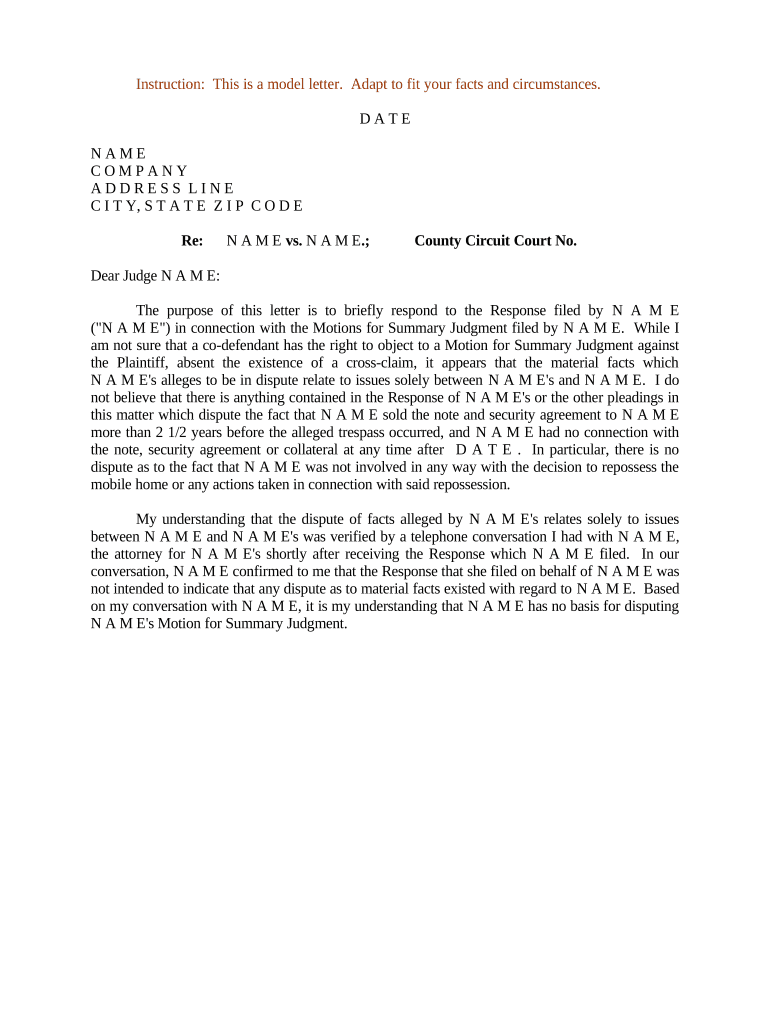
Begin by entering the date at the top of the document. This is crucial for establishing a timeline for your motion.
Fill in your name, company, and address details in the designated fields. Ensure accuracy as this information identifies you as the sender.
In the 'Re:' section, specify the case title (e.g., NAME vs. NAME) and include the County Circuit Court number for reference.
Address the judge appropriately in the salutation, using their name if known. This adds a personal touch to your correspondence.
Craft your response clearly and concisely in the body of the letter, addressing any points raised by opposing counsel while maintaining professionalism.
Conclude with a respectful request regarding your motion, ensuring that it aligns with legal standards and expectations.
Finally, sign off with your name and title, and include any necessary cc's at the bottom of the document.
Start editing your motions file today for free on our platform!
Motion formsTemplate for filing a motion in courtFile a motion exampleHow to file a motion with the court without an attorneyFile a Motion with the court onlineExamples of court motionsJDF 76 General Motion FormFile a motion form
Security and compliance
At DocHub, your data security is our priority. We follow HIPAA, SOC2, GDPR, and other standards, so you can work on your documents with confidence.
Either the agency or the FOIA requester can file a motion for summary judgment. Alternatively, both parties can move for summary judgment. If material factsRead more
Rule 11. Signing Pleadings, Motions, and Other Papers
Every pleading, written motion, and other paper must be signed by at least one attorney of record in the attorneys nameor by a party personally if the partyRead more
Cookie consent notice
This site uses cookies to enhance site navigation and personalize your experience.
By using this site you agree to our use of cookies as described in our Privacy Notice.
You can modify your selections by visiting our Cookie and Advertising Notice.