Type text, add images, blackout confidential details, add comments, highlights and more.
02. Sign it in a few clicks
Draw your signature, type it, upload its image, or use your mobile device as a signature pad.
03. Share your form with others
Send qualified domestic trust sample via email, link, or fax. You can also download it, export it or print it out.
How to use or fill out qualified domestic trust with our platform
Ease of Setup
DocHub User Ratings on G2
Ease of Use
DocHub User Ratings on G2
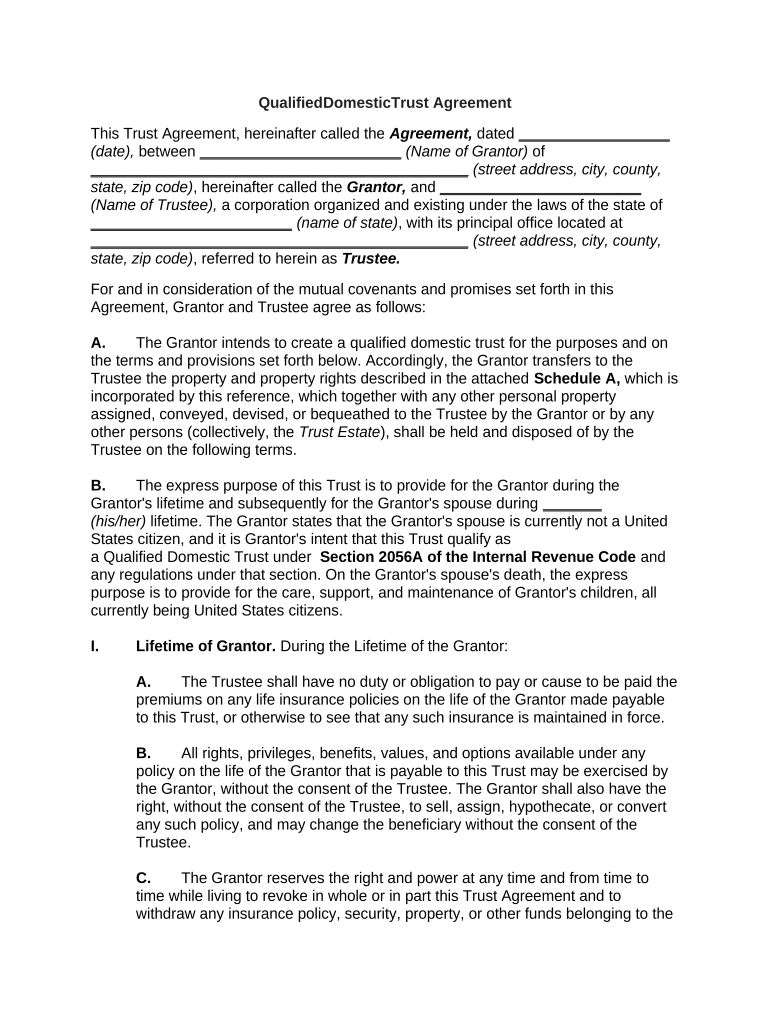
Click ‘Get Form’ to open the Qualified Domestic Trust Agreement in the editor.
Begin by entering the date of the agreement and the names and addresses of both the Grantor and Trustee in the designated fields.
In Section A, provide details about the property being transferred to the Trustee. Attach Schedule A as necessary.
Complete Section B by specifying the lifetime provisions for both the Grantor and their spouse, ensuring to note that the spouse is not a U.S. citizen.
Fill out Section I regarding the rights and powers of both Grantor and Trustee, detailing any specific instructions for managing life insurance policies or other assets.
Review Sections II through V carefully, filling in any required information about trustee powers, successor trustees, and distribution plans for beneficiaries.
Finally, ensure all signatures are completed at the end of the document before saving your changes.
Start using our platform today to streamline your document editing process for free!
Fill out qualified domestic trust online It's free
A qualified domestic trust (QDOT) is any trust that qualifies for an estate tax marital deduction under section 2056 and also meets all of the followingRead more
Complete if the organization is a section 501(c)(3) organization or a section 4947(a)(1) nonexempt charitable trust. Attach to Form 990 or Form 990-EZ. Go toRead more
Cookie consent notice
This site uses cookies to enhance site navigation and personalize your experience.
By using this site you agree to our use of cookies as described in our Privacy Notice.
You can modify your selections by visiting our Cookie and Advertising Notice.