Type text, add images, blackout confidential details, add comments, highlights and more.
02. Sign it in a few clicks
Draw your signature, type it, upload its image, or use your mobile device as a signature pad.
03. Share your form with others
Send it via email, link, or fax. You can also download it, export it or print it out.
How to use or fill out California Agreement with our platform
Ease of Setup
DocHub User Ratings on G2
Ease of Use
DocHub User Ratings on G2
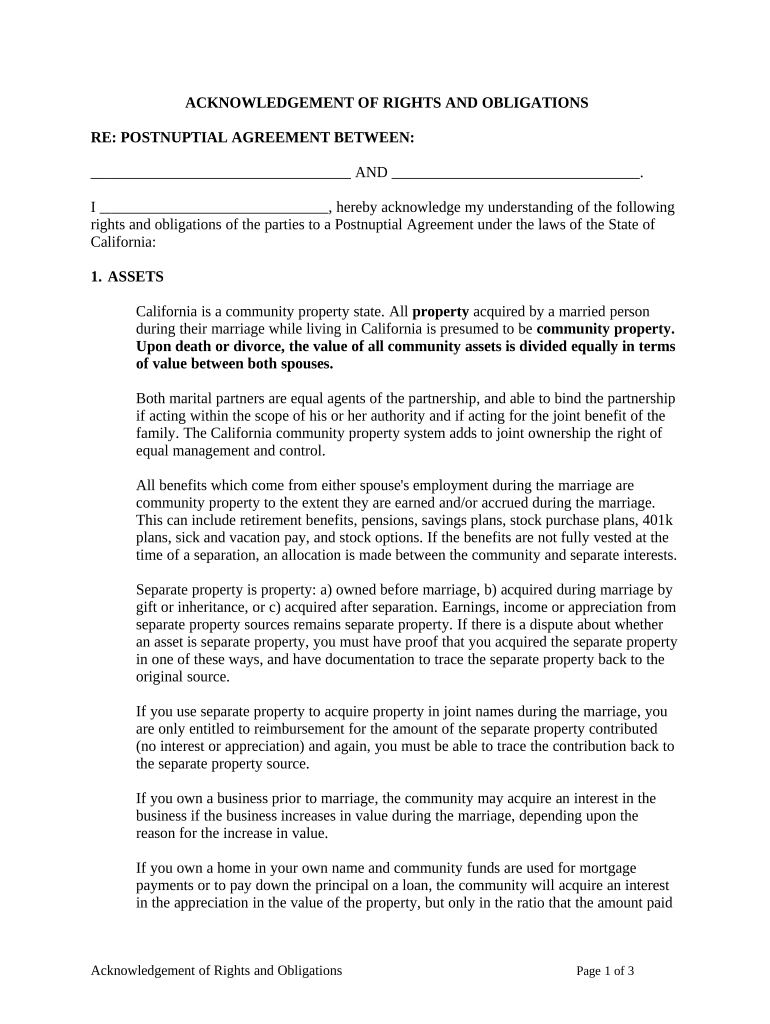
Click ‘Get Form’ to open the California Agreement in the editor.
Begin by filling in the names of both parties at the top of the form. Ensure that you accurately represent both individuals involved in the agreement.
Proceed to Section 1, where you will detail each party's separate property. Clearly list all assets owned prior to marriage and any other relevant information.
In Section 2, identify joint property. Specify any assets acquired together during the marriage that should be classified as joint.
Move on to Section 3, which addresses separation and divorce. Outline how assets will be divided if applicable, ensuring clarity on each party's rights.
Complete Sections 4 through 15 by providing necessary details regarding debts, waivers, and additional clauses as needed. Make sure all entries are accurate and complete.
Finally, review your entries for accuracy before signing. Utilize our platform’s features to save and share the document for further review or notarization.
Start using our platform today for free to streamline your California Agreement process!
This Provider Manual shall serve as a supplement as referenced thereto and incorporated therein, to your Molina. Healthcare of California Services Agreement.Read more
The California Model Agreement (CMA) provides model contract terms for use by State of California agencies that fund research, training or service activities.Read more
Cookie consent notice
This site uses cookies to enhance site navigation and personalize your experience.
By using this site you agree to our use of cookies as described in our Privacy Notice.
You can modify your selections by visiting our Cookie and Advertising Notice.