Type text, add images, blackout confidential details, add comments, highlights and more.
02. Sign it in a few clicks
Draw your signature, type it, upload its image, or use your mobile device as a signature pad.
03. Share your form with others
Send it via email, link, or fax. You can also download it, export it or print it out.
How to use or fill out trust minor children with our platform
Ease of Setup
DocHub User Ratings on G2
Ease of Use
DocHub User Ratings on G2
Click ‘Get Form’ to open the trust minor children document in the editor.
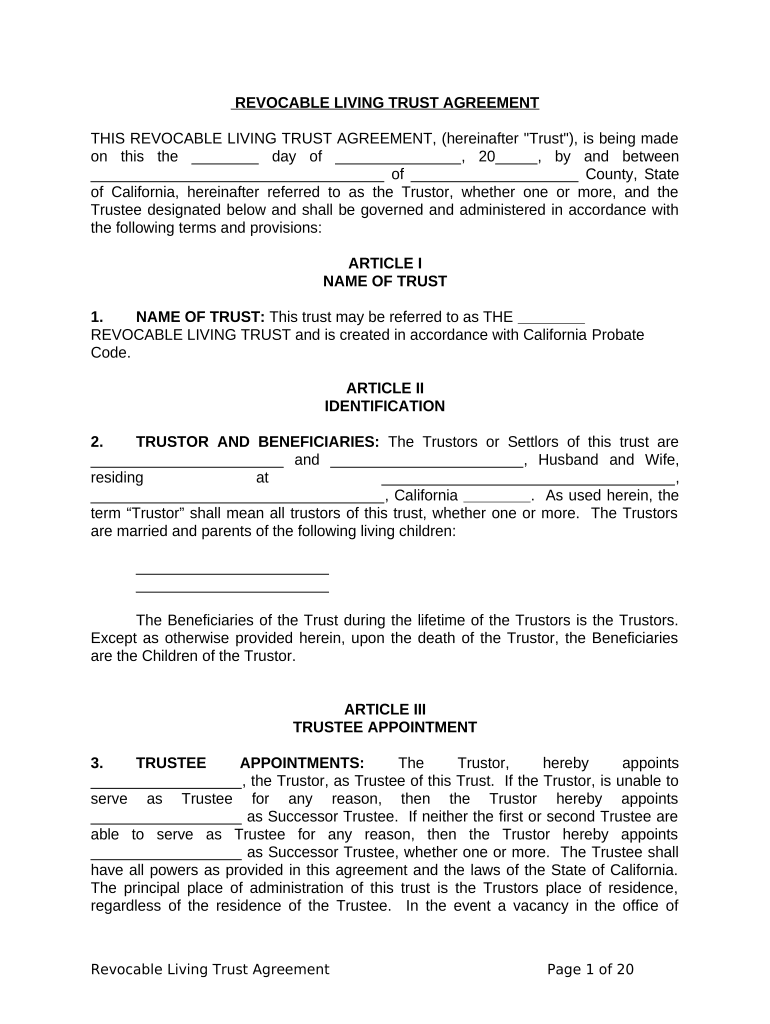
Begin by entering the name of the Trust at the top of the form. This is essential for identifying your trust.
Fill in the details of the Trustor(s) and Beneficiaries. Include names and addresses, ensuring accuracy as this information is crucial for legal purposes.
Designate a Trustee by entering their name. If applicable, also include a Successor Trustee to ensure continuity in management.
List all assets intended for inclusion in the trust. This may include real estate, bank accounts, or other valuables that you wish to protect for your minor children.
Review each section carefully, especially those related to distributions and trustee powers, to ensure they align with your intentions for your children's future.
Once completed, save your document and utilize our platform’s signing feature to finalize it securely.
Start using our platform today to create a secure future for your minor children!
Trust minor children taxesTrust minor children formTrust minor children exampleTrust minor children benefitsClaim your minor estate from the governmentSample trust for minor childTypes of trusts for minorsTrust for minor beneficiaries
Security and compliance
At DocHub, your data security is our priority. We follow HIPAA, SOC2, GDPR, and other standards, so you can work on your documents with confidence.
Differences between Living Trust and Will - diff.wiki
While a living trust can manage the distribution of assets, it cannot be used to name a guardian for minor children. A will is the sole legal instrument for
Testamentary trusts are often established to outline distribution guidelines for minor children or children with special needs. These trusts are: Created byRead more
Cookie consent notice
This site uses cookies to enhance site navigation and personalize your experience.
By using this site you agree to our use of cookies as described in our Privacy Notice.
You can modify your selections by visiting our Cookie and Advertising Notice.