




01. Edit your form online
Type text, add images, blackout confidential details, add comments, highlights and more.

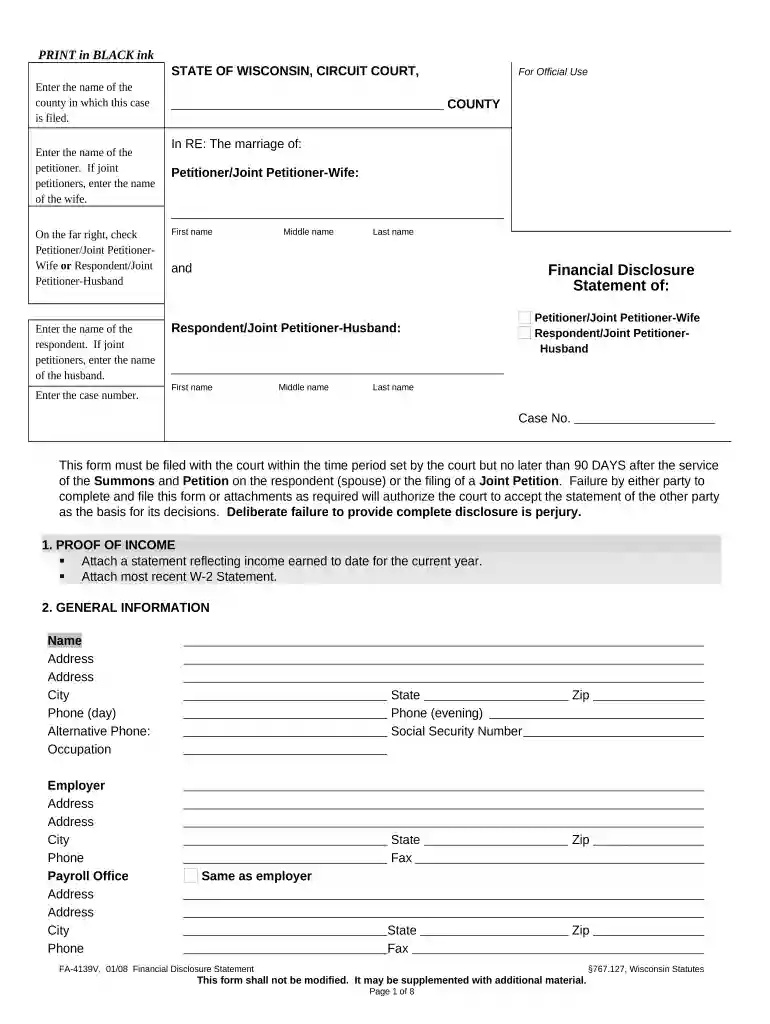
Type text, add images, blackout confidential details, add comments, highlights and more.

Draw your signature, type it, upload its image, or use your mobile device as a signature pad.

Send it via email, link, or fax. You can also download it, export it or print it out.

Start using our platform today to streamline your document editing and ensure a smooth completion of your disclosure statement!
At DocHub, your data security is our priority. We follow HIPAA, SOC2, GDPR, and other standards, so you can work on your documents with confidence.
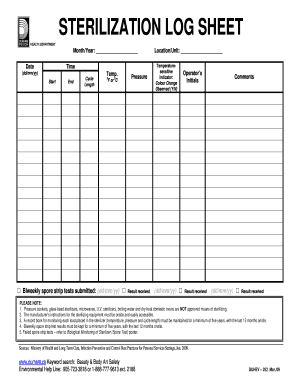




Feb 21, 2023 DISCLOSURE STATEMENT. APPLICATION FOR EMPLOYMENT, INCLUDING PROVISIONAL EMPLOYMENT. Required by the Pennsylvania Child Protective Service Law.Read more
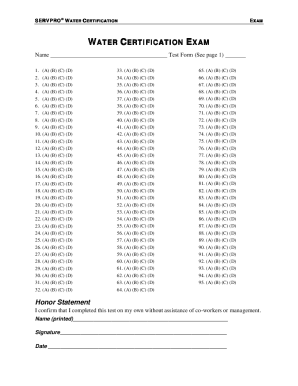
a party or intervenor must, unless the court orders otherwise, file a disclosure statement. The statement must nameand identify the citizenship ofeveryRead more
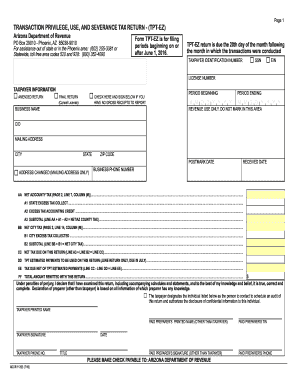
2.1 Descriptions of Central and field organization and places to obtain information 2.2 Statements of the general course and method of functions 2.3 Rules ofRead more


